
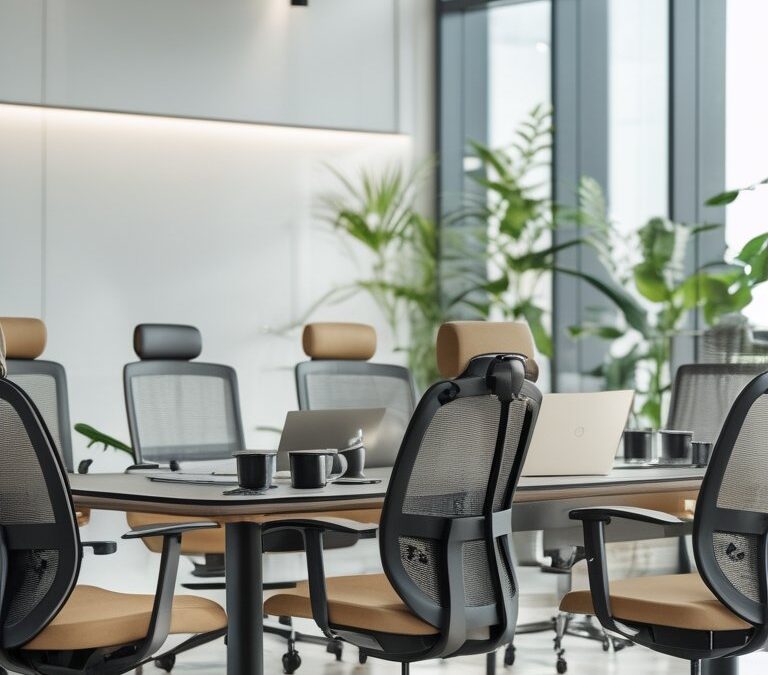
You spend long hours at a desk and you want a chair that keeps you comfortable, focused, and pain-free. This guide helps you find eight Nancy Meyers–style office chairs that blend classic comfort with smart ergonomics so you can work longer without discomfort.
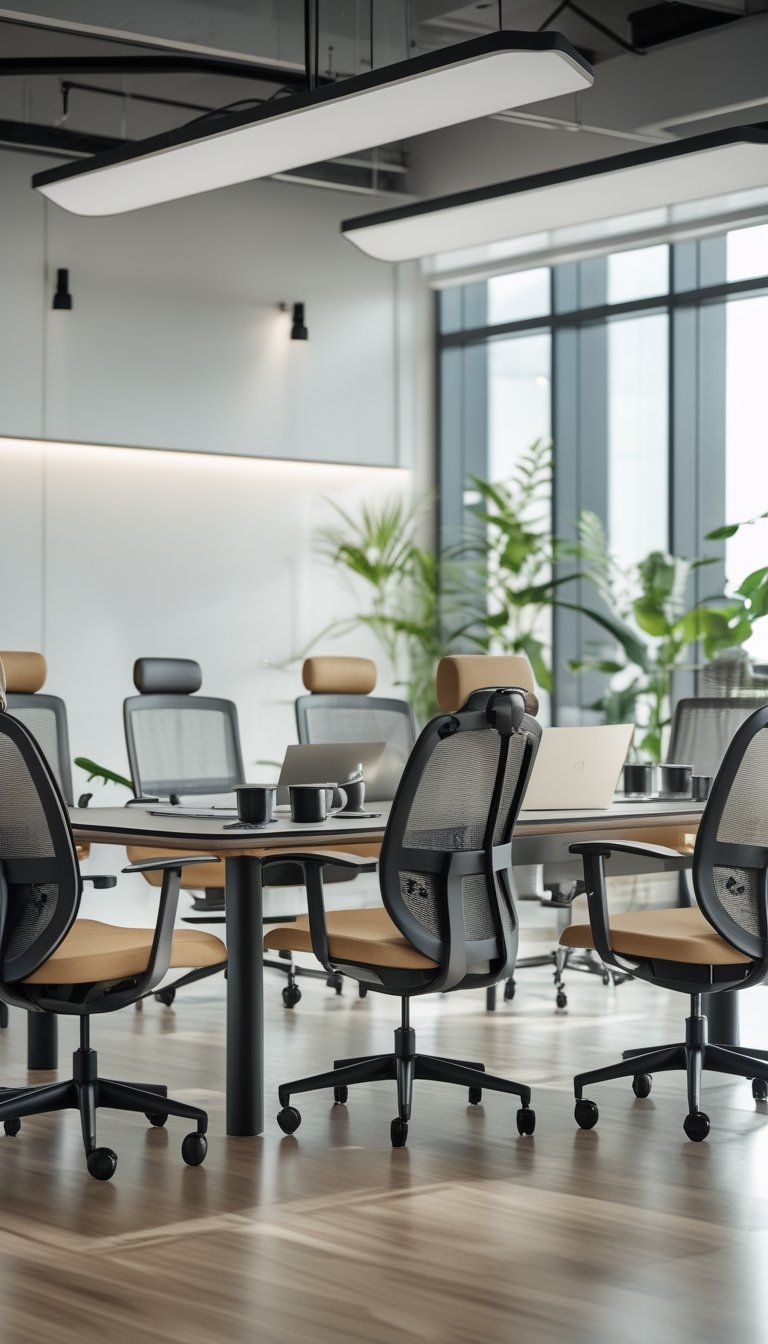
You’ll see options that fit different bodies, styles, and budgets while keeping support and adjustability front and center. Expect clear, practical advice so you can pick a chair that suits your workflow and your space.
PRO TIP
When testing chairs, sit in each one for at least 10–15 minutes if possible, and try to mimic your normal work posture. Pay close attention to lumbar support, seat depth, and armrest height; small adjustments can make a big difference over an 8+ hour day. If you can’t test in person, check return policies and warranty details so you can swap or return a chair that doesn’t suit you. Consider your desk height and monitor position too—an otherwise great chair won’t help if your workstation forces you into a poor posture. Finally, prioritize adjustable features over fixed “luxury” materials; a highly adjustable mid-range chair often beats a non-adjustable expensive model for daily comfort.
1) West Elm Mid-Century Office Chair
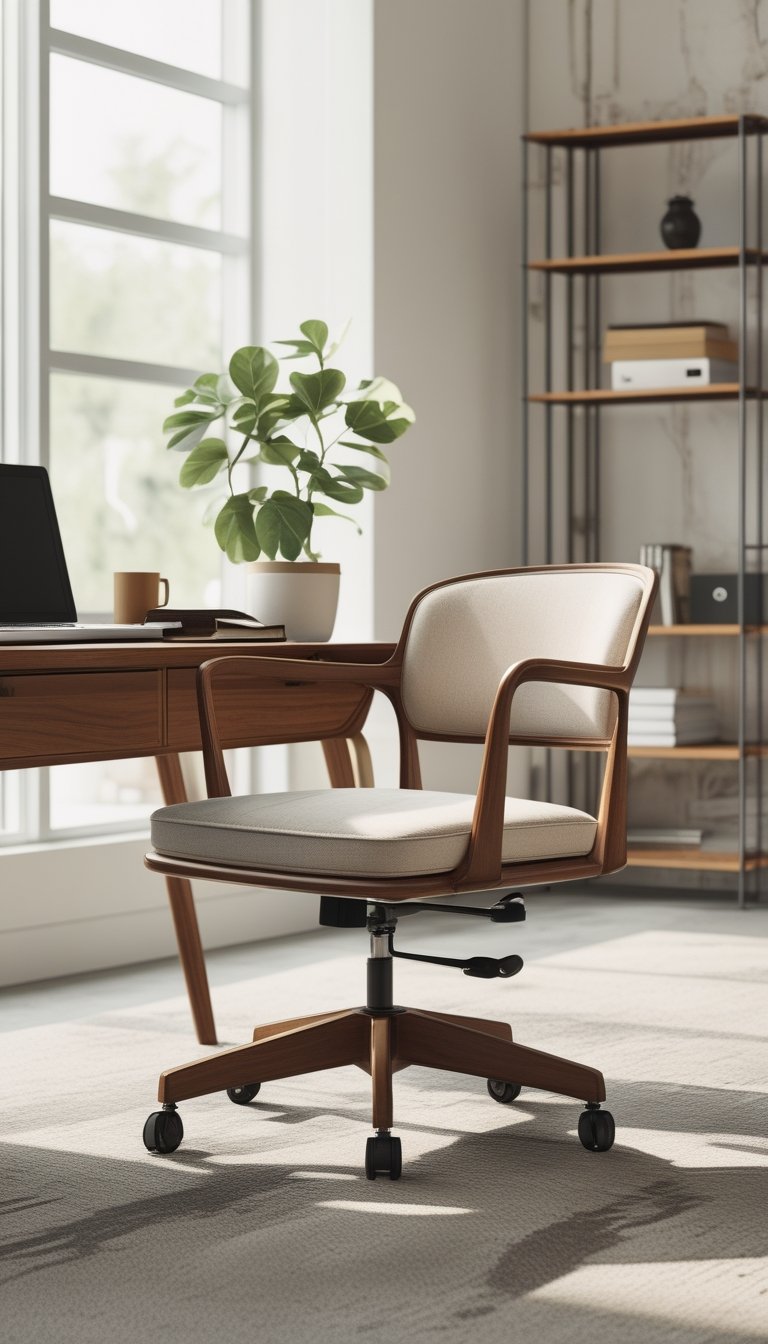
You’ll like this chair if you want a clean, retro look with modern comfort. It has a wide seat and a gently sloping back that supports your posture without feeling stiff.
The built-in swivel helps you reach files and screens without twisting your body. Padded cushions keep you comfortable during long stretches of work, and the silhouette fits both home and professional spaces.
Materials and finish options let you match your decor. The chair balances style and function, so you don’t sacrifice one for the other.
PRO TIP
When choosing a Mid-Century office chair, test the seat depth and cushion firmness to match your body and work habits. If you sit for long hours, look for a model with a slightly wider seat and firmer padding to keep your hips and lower back supported. Consider a chair with adjustable height so your knees form a 90-degree angle at the desk; this reduces strain on your lower back. Add a small lumbar pillow if the built-in support feels shallow. Finally, pick a durable upholstery like leather or tightly woven fabric for easier cleaning and longer wear in a busy workspace.
2) Herman Miller Aeron (Remastered)
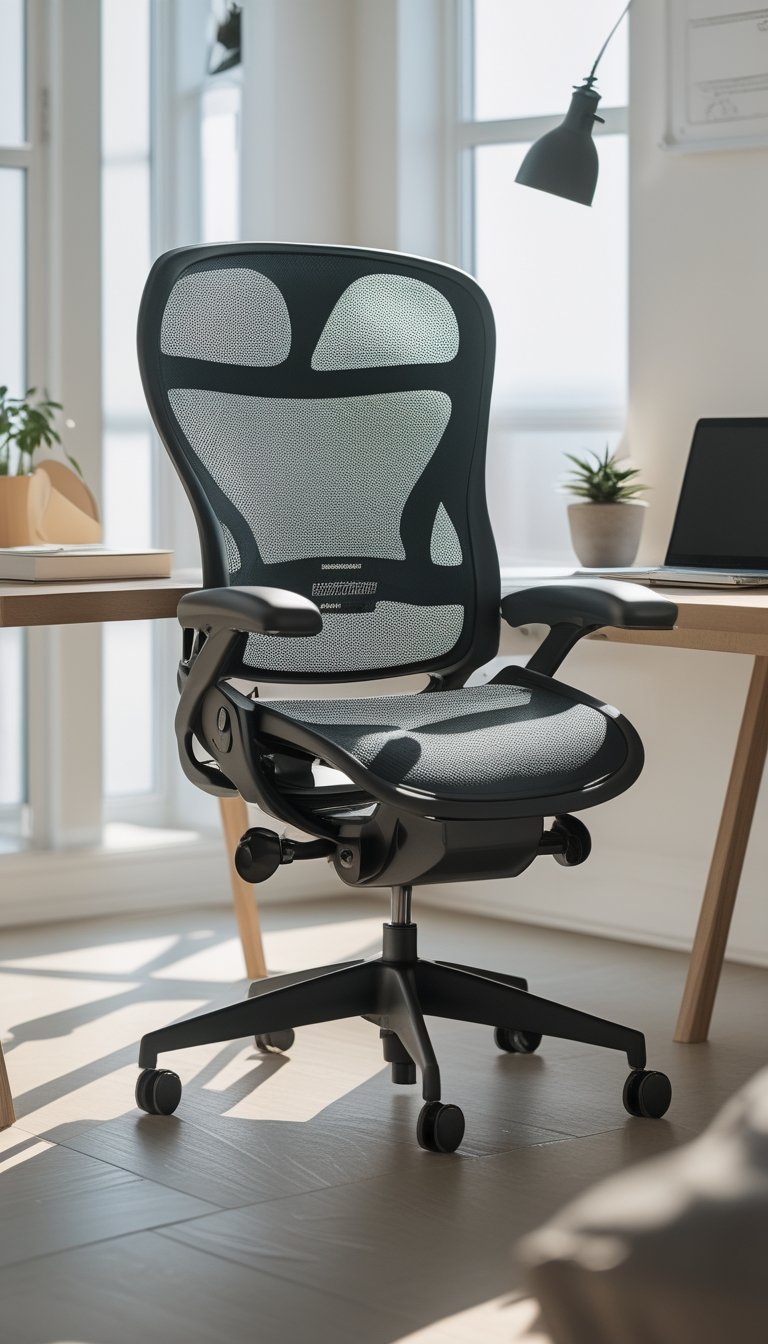
The Aeron Remastered gives you proven ergonomic support for long workdays. It uses a breathable Pellicle mesh that keeps you cool and cuts pressure points so you can stay focused longer.
You can adjust seat height, tilt, and armrests to match your posture. The chair also includes PostureFit options that support your lower back and help you sit more naturally.
Herman Miller redesigned the Aeron with more recycled materials and ocean-bound plastic in parts of the build. That reduces waste without changing the chair’s core comfort and durability.
PRO TIP
When you set up the Aeron, start by adjusting the seat height so your feet rest flat on the floor and your knees form about a 90-degree angle. Next, tune the tilt tension so the recline moves smoothly with your weight; too loose lets you slump, too tight limits movement. Use the lumbar or PostureFit support to fill the curve of your lower back—move it up or down a little until it feels natural. Finally, adjust armrest height so your shoulders relax and your forearms are level with the desk. Small tweaks over a few days help you find the best settings for long comfort.
3) Humanscale Freedom Headrest Chair
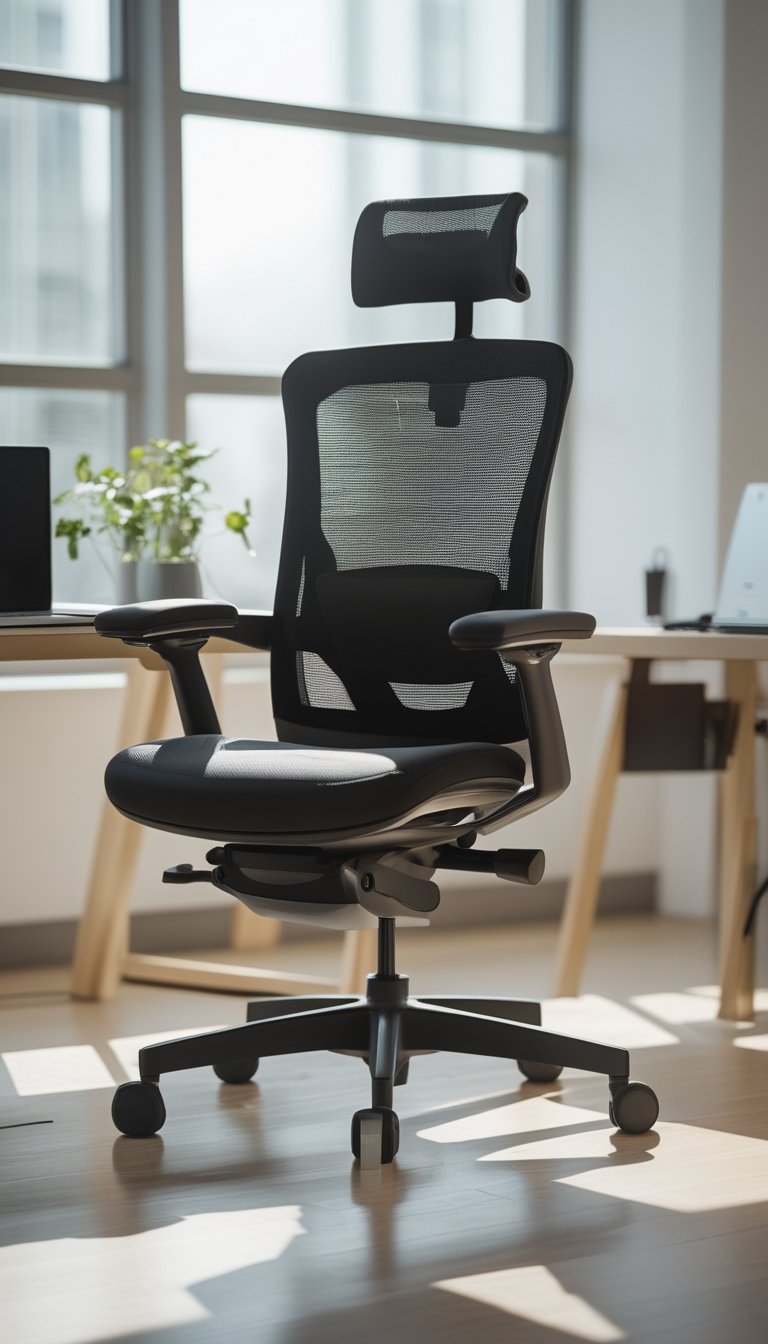
The Humanscale Freedom Headrest Chair adjusts itself as you move. It uses your body weight to offer steady recline and built-in lumbar support, so you spend less time fiddling with knobs and more time working.
The headrest adds extra neck and upper-back support for long stretches at your desk. The clean, simple design fits a cozy, stylish office without looking bulky.
You can choose different arm styles and fabrics to match your room and comfort needs. The chair aims to promote small, natural movements that reduce stiffness during long workdays.
PRO TIP
When you’re setting up the Freedom Headrest, position the headrest so it lightly supports the middle of your skull when you sit upright. This helps keep your chin slightly tucked and reduces strain on your neck during long calls or reading. Adjust seat height so your feet rest flat on the floor and your thighs are parallel to the ground; that alignment helps the chair’s automatic lumbar mechanism work best. If your desk tasks vary, try a short recline every 20–30 minutes to ease pressure on your lower back. Finally, test different arm options and fabric choices in person if you can, since feel and support vary by model and upholstery.
4) Boulies OP300 Forward-Tilt Ergonomic Chair
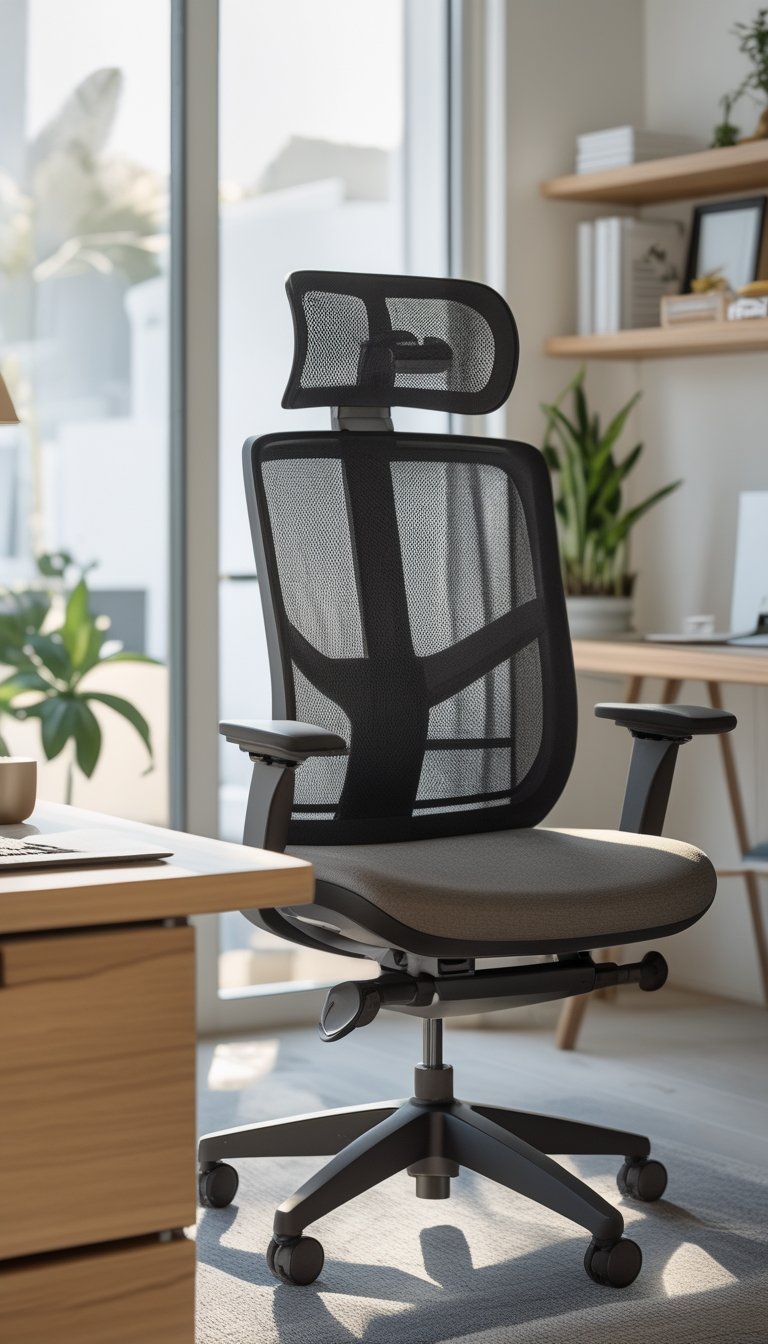
You’ll notice the Boulies OP300 focuses on posture with its forward-tilt seat. That tilt helps you sit more upright and stay engaged during long work sessions. It feels supportive without being stiff.
The chair offers many adjustments so you can fine-tune fit for your body. The mesh back promotes airflow, which keeps you cooler than a fully padded chair. A headrest option adds neck support for heavier screen or call days.
You get solid build quality at a budget price, making it a smart pick if you sit eight hours or more. The padding and seat width suit most users, but try one if you can to confirm comfort for your frame.
PRO TIP
When you use the forward-tilt feature, adjust your seat height and lumbar support together. Raise or lower the seat so your knees stay at about a 90-degree angle and your feet rest flat on the floor. Set the lumbar to press gently into your lower back; it should support the natural curve without forcing you forward. If you work on different tasks, flip the tilt back for relaxed reading or signing papers. Swap positions often and stand every hour to reduce stiffness. Small tweaks to arm height and seat depth can prevent shoulder and hip strain.
5) Steelcase Leap V2
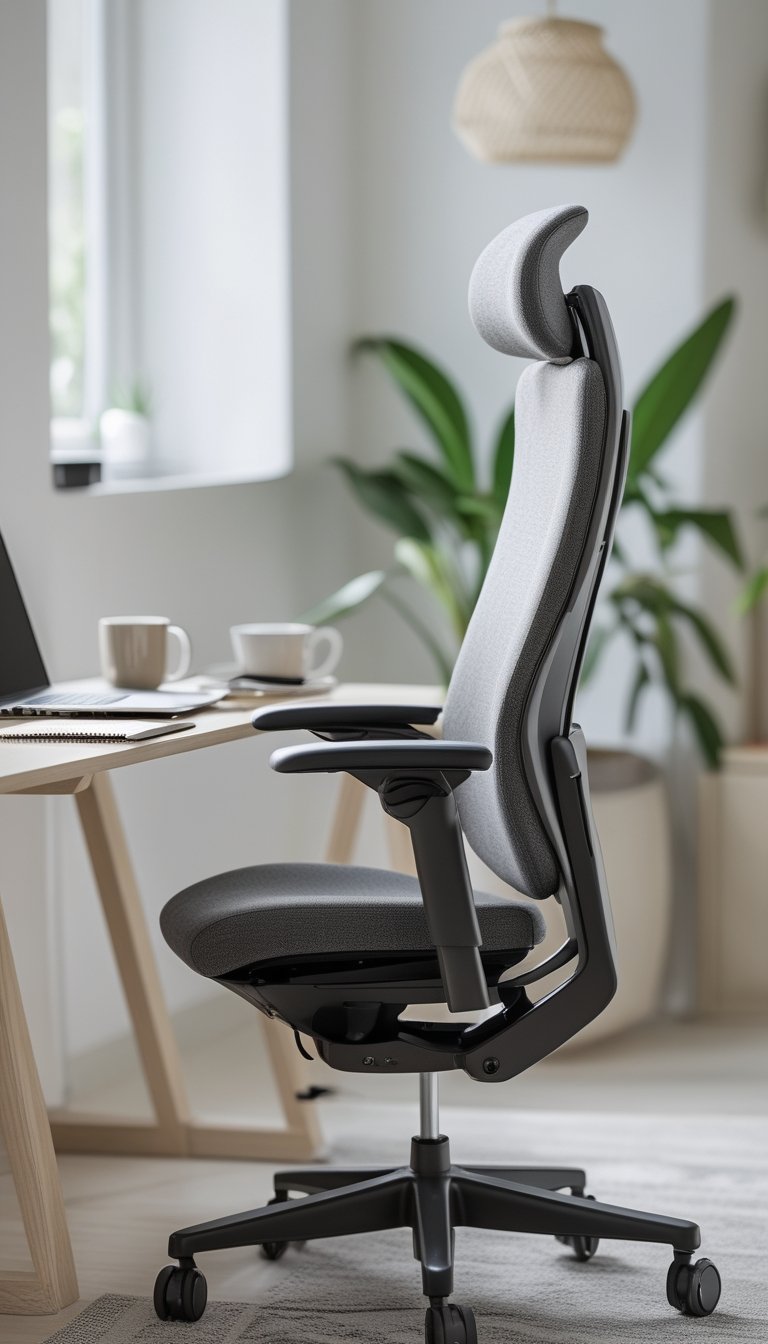
The Leap V2 gives your back steady support with LiveBack technology that moves with you. It changes shape as you shift so your spine stays aligned during long work sessions.
You can fine-tune seat height, armrests, lumbar, and tilt to match your body. Those adjustments help reduce strain and make it easier to stay comfortable for hours.
Build quality feels solid, so the chair often lasts longer than cheaper options. If you spend most of your day seated, the Leap V2 is a sensible choice that balances comfort and durability.
PRO TIP
When you set up the Leap V2, start with seat height so your feet rest flat and knees make a 90-degree angle. Next, adjust the lumbar support to match the curve of your lower back; small changes have a big effect. Position armrests so your shoulders relax and your forearms sit nearly level with the desk to avoid shoulder and neck tension. Use the recline to change posture throughout the day — leaning back for focused thinking and sitting upright for typing. If you share the chair, save settings or note positions for each person to speed re-adjustment. Regularly check bolts and casters, and clean fabric per the manufacturer’s guide to keep the chair performing well.
6) IKEA MARKUS High-Back Swivel Chair
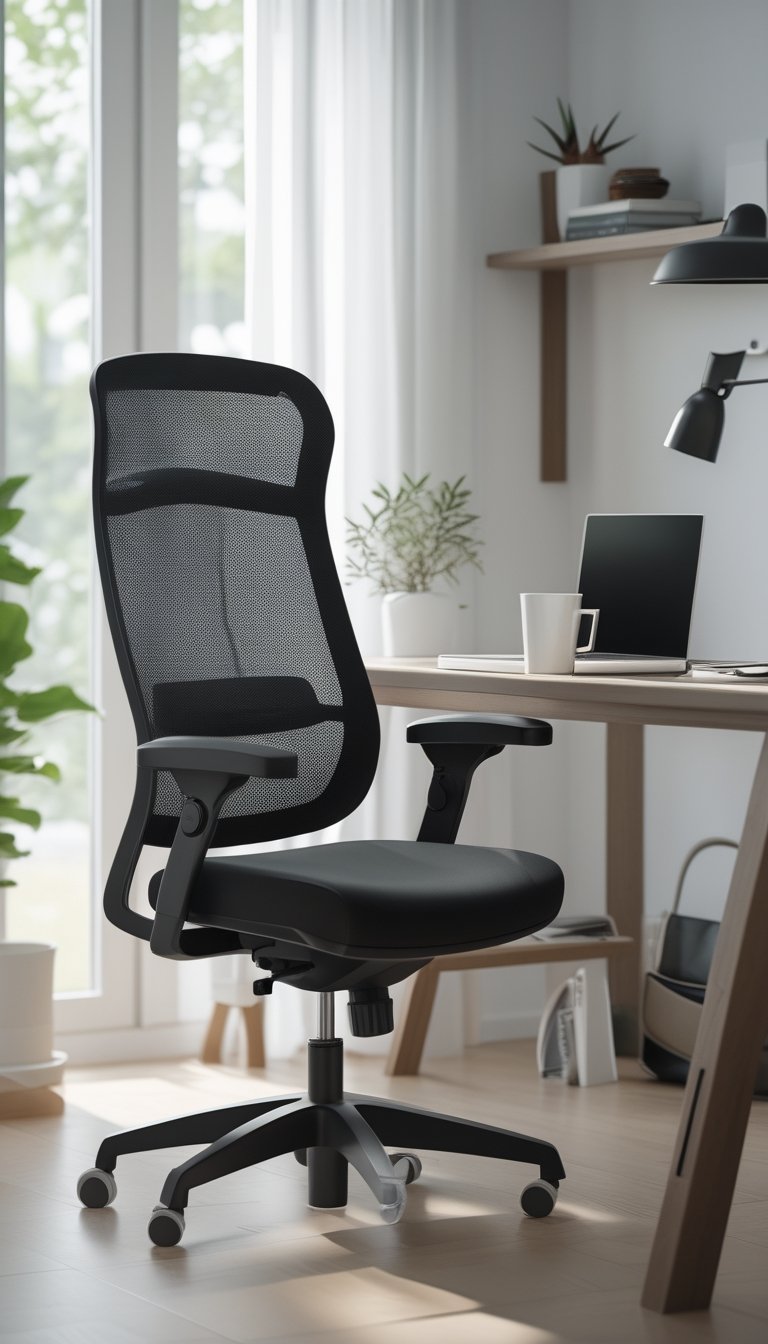
You’ll find the MARKUS offers solid support at a low price. The high mesh back keeps air flowing, which helps you stay cool during long meetings or writing sessions.
Adjust height and tilt to match your desk and posture. The tilt can lock, so you can change positions without losing stability.
Armrests are fixed, so they may not suit every desk setup. The seat is firm but comfortable for many users, and the simple design fits most home offices.
PRO TIP
When you buy the MARKUS, test it for your height and desk height first. If you like a taller back and firmer seat, this chair will likely work well. Consider adding a small lumbar cushion if you need more lower-back support; it’s an inexpensive fix that improves posture and comfort over long days. If fixed armrests interfere with your desk, try swapping them for thin, removable cushions to raise your elbow level. Lastly, keep the mesh back clean by vacuuming or wiping it monthly to maintain airflow and extend the chair’s life.
7) West Elm Slope Upholstered Desk Chair
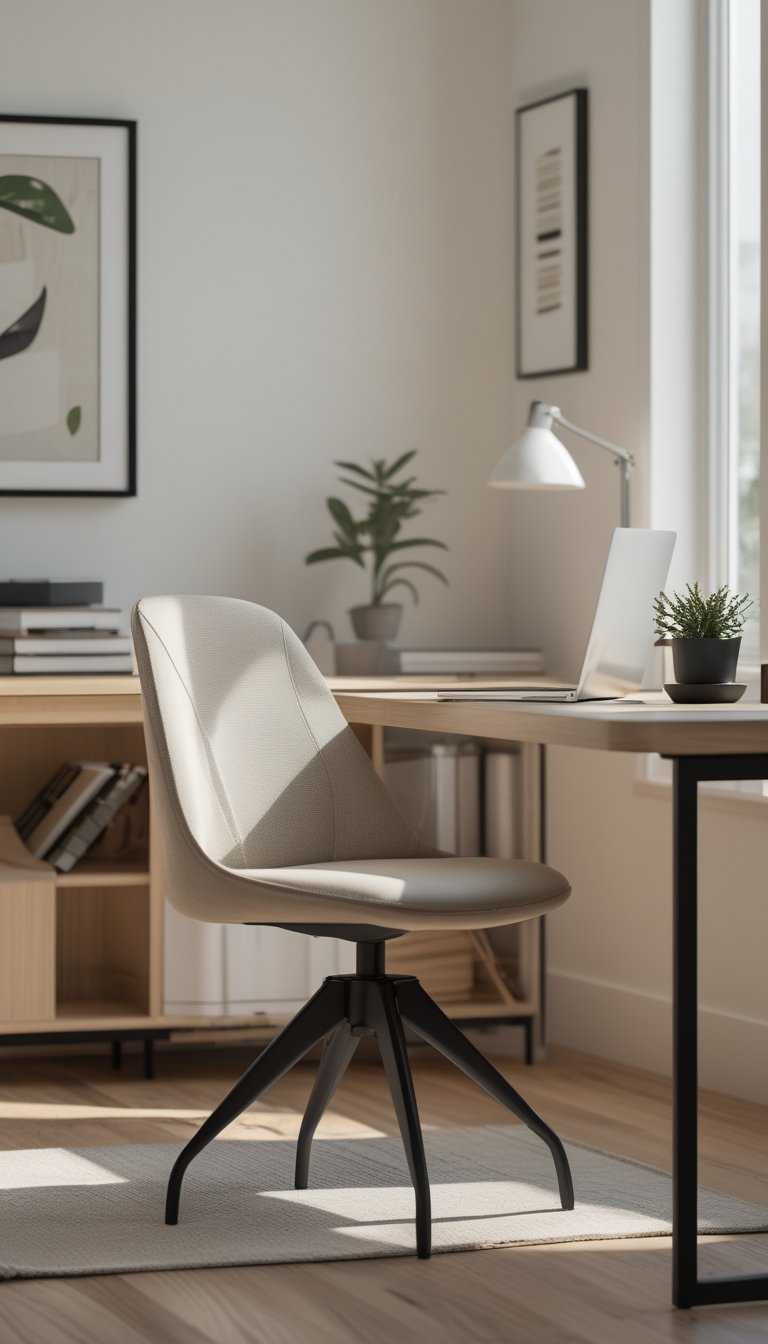
You’ll like the West Elm Slope for its clean lines and simple comfort. The curved seat and back cradle you without feeling bulky, so you can stay comfortable during long work sessions.
The chair comes in many upholstery colors and materials, letting you match your office style. A swivel base helps you reach files and devices without straining.
Height adjustability keeps your posture healthy when you switch desks or monitor heights. The metal base adds stability and a modern look that pairs well with both classic and contemporary decor.
PRO TIP
When choosing a Slope chair, think about fabric and wear. If you snack at your desk or have pets, pick stain-resistant or leather-like upholstery to keep the chair looking fresh. Test the height range against your desk and keyboard to avoid shoulder and neck strain; your thighs should be parallel to the floor and your forearms level with the desk. Add a thin lumbar cushion if you need more lower-back support for long days. Finally, place a low-pile rug or chair mat under the base to protect floors and help the wheels roll smoothly, which reduces sudden stops that can jar your back.
8) Herman Miller Embody
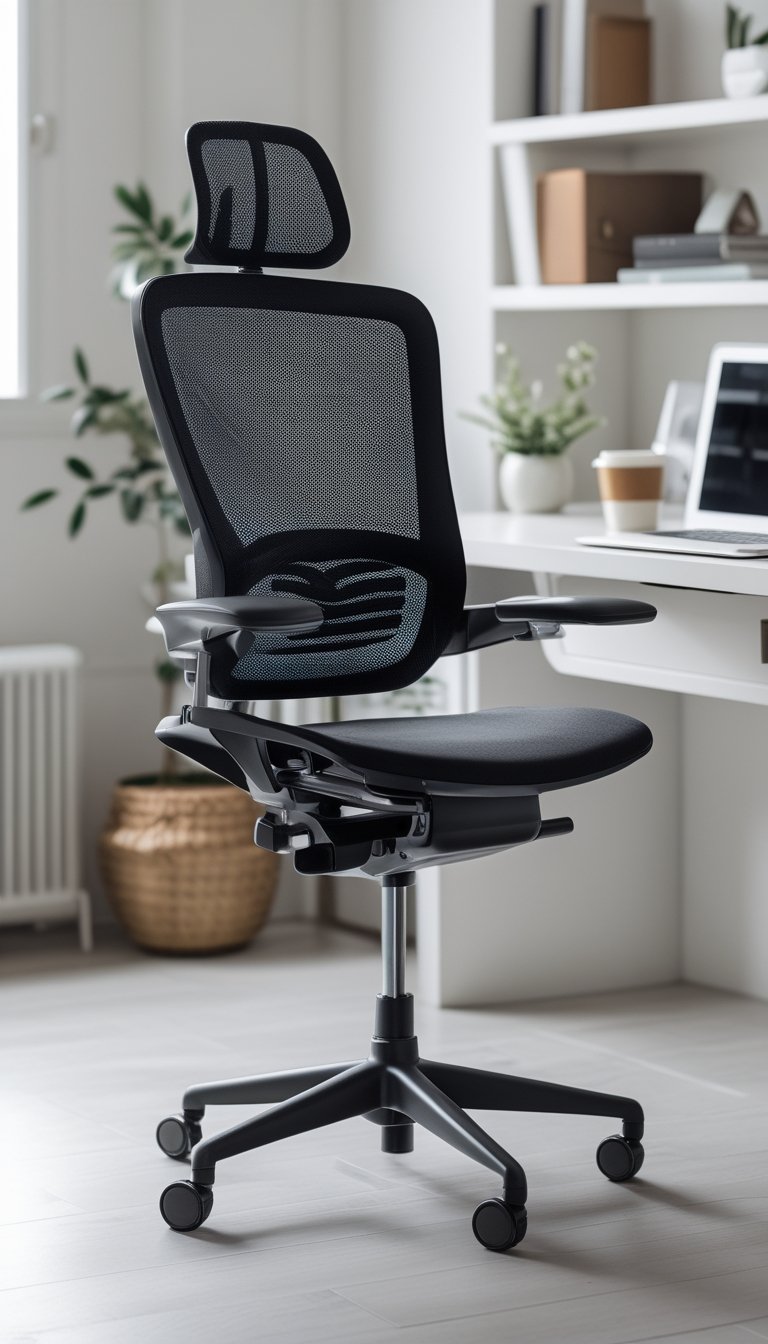
The Embody supports long work days with a focus on spine alignment and pressure distribution. You sit more naturally thanks to its pixelated seat and back that move with your tiny shifts.
You can adjust the chair to fit your body and work style. It offers tilt and tension controls so you can find a steady balance between support and motion.
The build favors breathable materials and durable parts, which helps when you work many hours or across seasons. Designers and health experts helped shape the chair’s form and function.
PRO TIP
When you first set up the Embody, start by adjusting seat height so your feet rest flat and your knees sit about level with your hips. Next, tweak the back tilt and tension while leaning slightly back; aim for support that lets your spine stay curved but relaxed. Use the armrests to support your forearms at typing height—this reduces shoulder strain and keeps your wrists neutral. If you switch tasks, take microbreaks every 30–60 minutes to stand, stretch, or walk briefly; the chair helps movement, but your body still needs motion. Keep the chair clean and check fasteners yearly to maintain smooth adjustments and long-term comfort.