
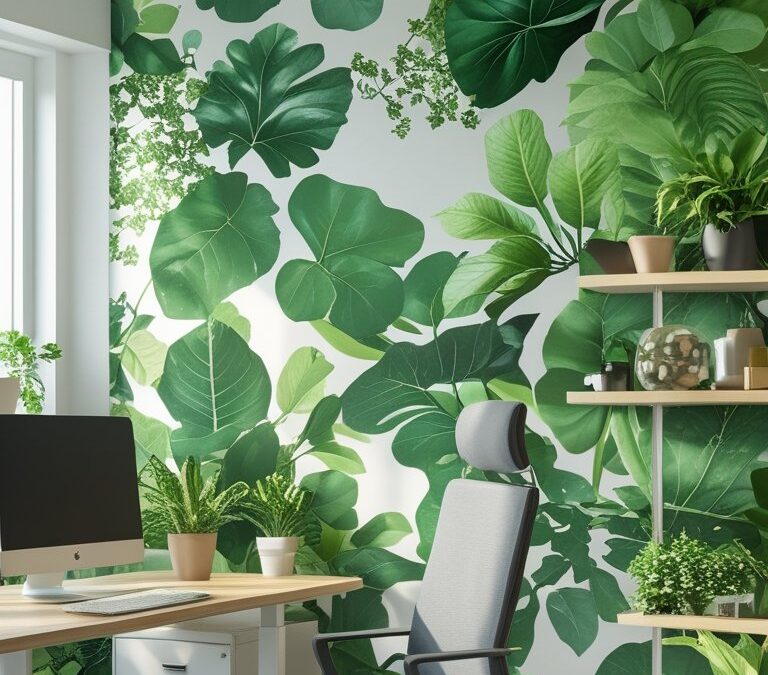
You want a workspace that feels calm and keeps your eyes fresh all day. Green wallpaper can help by bringing softer tones and natural patterns into your room, which ease visual tension and make long sessions at the desk less tiring.
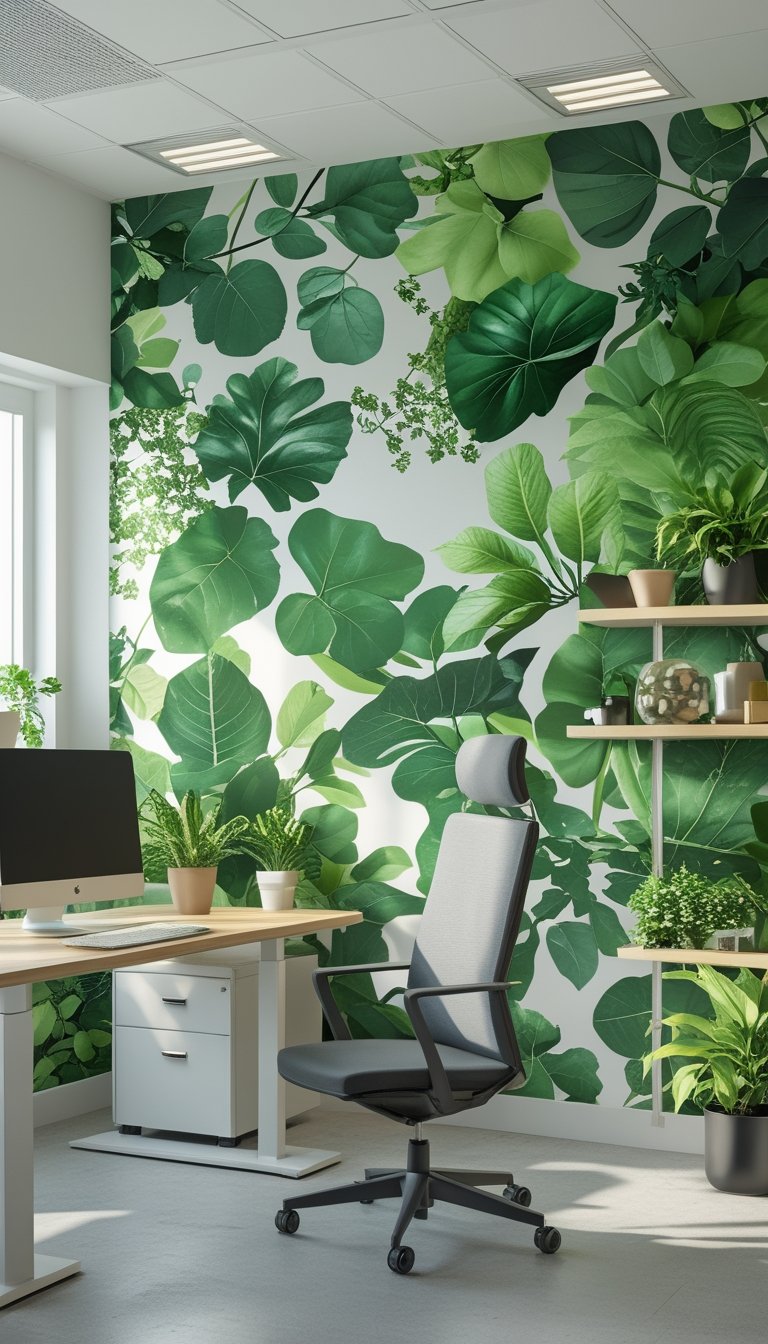
This article shows 22 green wallpaper ideas that balance gentle color and low-contrast patterns so your eyes strain less while your space looks refreshed. You’ll see options from muted sage and soft olive prints to subtle murals and textured panels, so you can pick a style that fits your work habits and keeps your focus steady.
When choosing green wallpaper to reduce eye strain, aim for low-contrast shades and matte finishes that minimize glare. Test samples on your wall at different times of day to check how natural and artificial light change the color and contrast. Pair wallpaper with neutral furniture and adjustable task lighting to control brightness at your work surface. Avoid very bright or highly saturated greens near screens; softer, desaturated tones like sage, seafoam, or pale mint work best. If you want pattern, pick small-scale or washed designs rather than bold, busy prints. Finally, give your eyes regular breaks using the 20-20-20 rule: every 20 minutes, look at something 20 feet away for 20 seconds.
1) Muted Sage Solid-Color Accent Wall
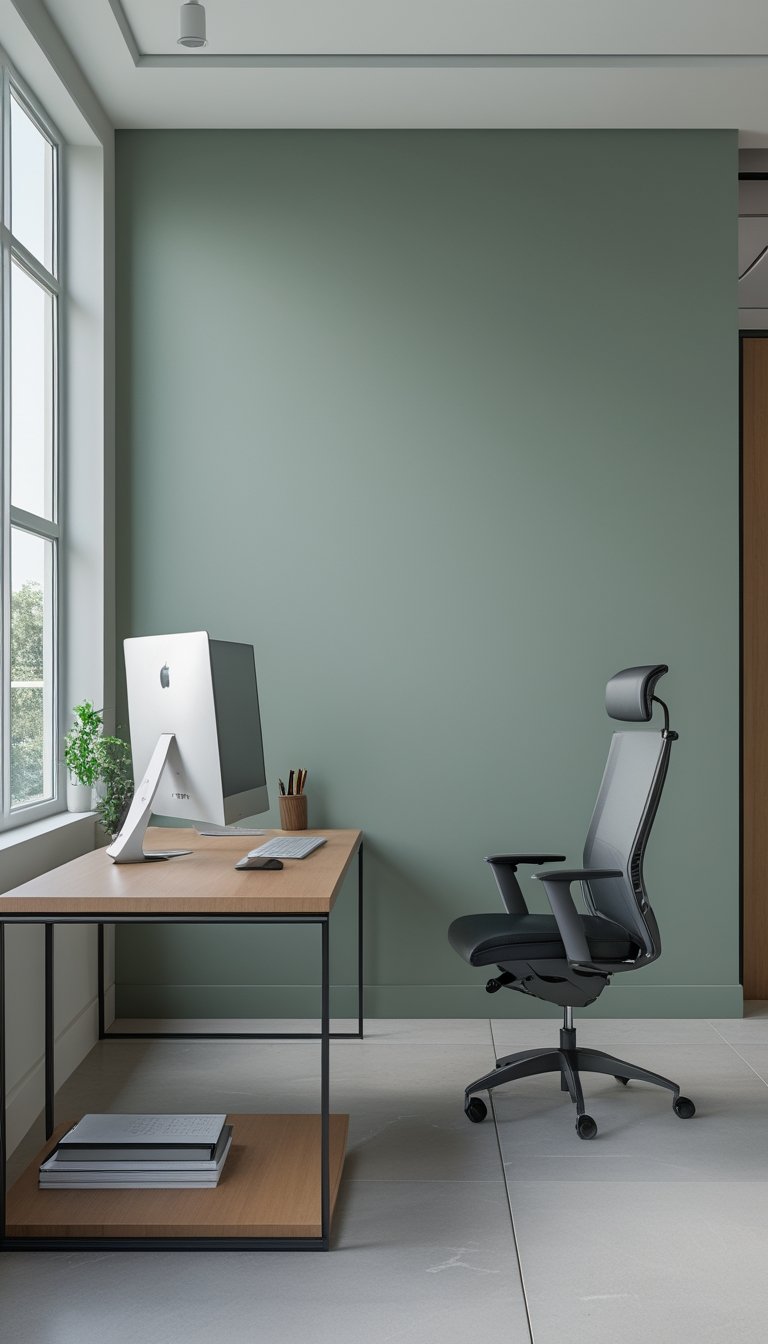
Choose a muted sage accent wall to make your office calm and steady without drawing too much attention. The soft green reduces glare and helps your eyes relax during long screen sessions. Pair it with light furniture to keep the room bright and balanced.
Keep the rest of the walls neutral so the sage wall anchors the space without feeling heavy. Add natural textures like wood shelves or woven baskets to give the room warmth and visual interest. A single piece of low-contrast art can enhance the look without adding visual strain.
PRO TIP
When you pick paint, test samples on the wall and view them at different times of day. Light changes the tone; what looks soothing in morning sun can read cooler under evening lamps. Choose a low-sheen, matte finish to cut glare and let your eyes rest. If you need more contrast for focus, introduce a muted desk lamp and neutral task accessories rather than brighter colors. Keep clutter to a minimum so the color can do its calming work, and swap heavy patterns for simple, soft textures to maintain a steady visual field.
2) Forest Photographic Mural Behind Desk
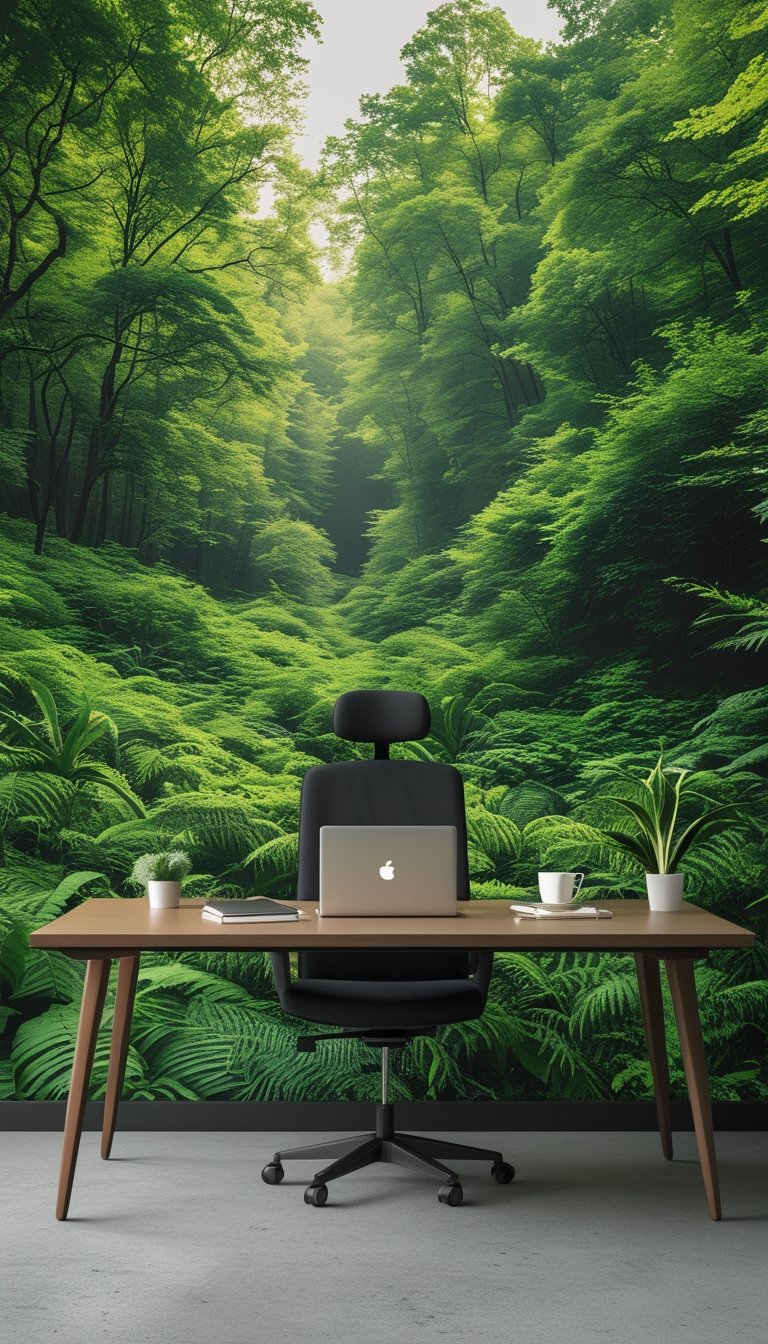
A forest photographic mural behind your desk brings a natural focal point that soothes your eyes during long work hours. The depth and soft greens of trees reduce contrast and help your gaze rest, which can lower eye fatigue.
Choose a misty or sunlit forest image with mid-tone greens and soft edges to avoid sharp contrasts that can strain vision. Position the mural so it fills the wall behind your monitor, giving your eyes a calm scene when you look up from close work.
Keep the rest of the room simple. Use neutral furniture and soft lighting to let the mural work without competing visual clutter. You’ll create a steady, peaceful backdrop that supports longer, more comfortable focus sessions.
PRO TIP
Pick a mural with natural variation in green shades rather than bright, saturated tones. Subtle gradients and slightly blurred backgrounds mimic real depth and help your eyes relax after focusing on screens. Match the mural scale to your wall: a full-wall photographic print feels immersive, while a single-panel image can act as a calming accent. Consider matte-finish materials to reduce glare and reflections from windows or lamps. If you work near a window, align the mural so natural light doesn’t create hotspots on the image. Finally, pair the mural with a few real plants to reinforce the natural feel and add small, real focal points that encourage periodic visual breaks.
3) Soft Olive Low-Contrast Leaf Pattern
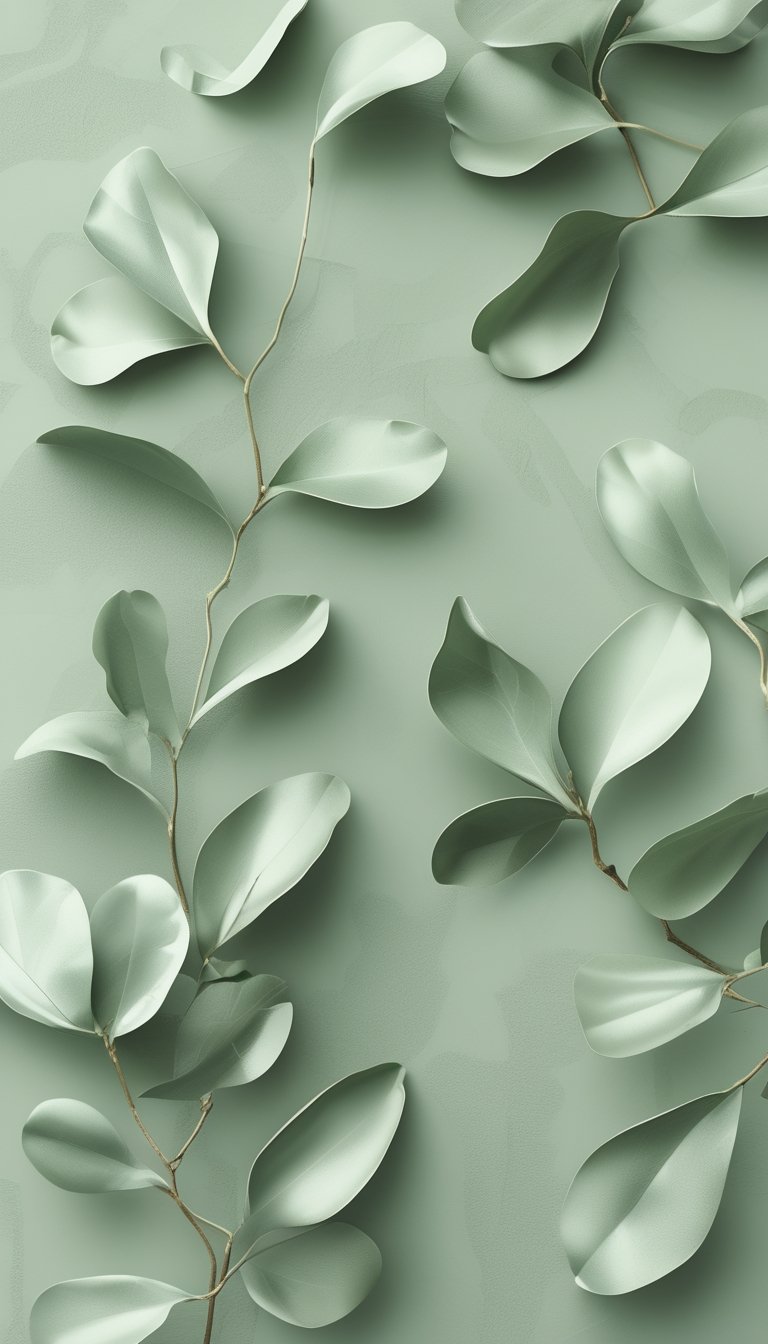
A soft olive, low-contrast leaf pattern gives your office a calm, natural feel without fighting your eyes. The gentle green tones reduce glare and help maintain focus during long work sessions. Leaves drawn with thin lines or subtle washes avoid sharp edges that can tire your vision.
You can use this wallpaper on one wall behind your desk to create a soothing focal point. Pair it with warm wood furniture or neutral textiles to keep the room balanced. If you prefer peel-and-stick options, choose a matte finish to cut reflections further.
PRO TIP
Choose tones two to three shades apart so the pattern stays visible but not distracting. Test a small sample in your workspace at different times of day to see how light changes the look. If you wear glasses, check the pattern through them too; some frames change color perception. Combine the wallpaper with adjustable task lighting and a screen filter to reduce contrast between your monitor and the wall. Keep nearby décor low-key: simple plants and a few neutral accessories help your eyes rest.
4) Pale Mint Gradient Wallpaper
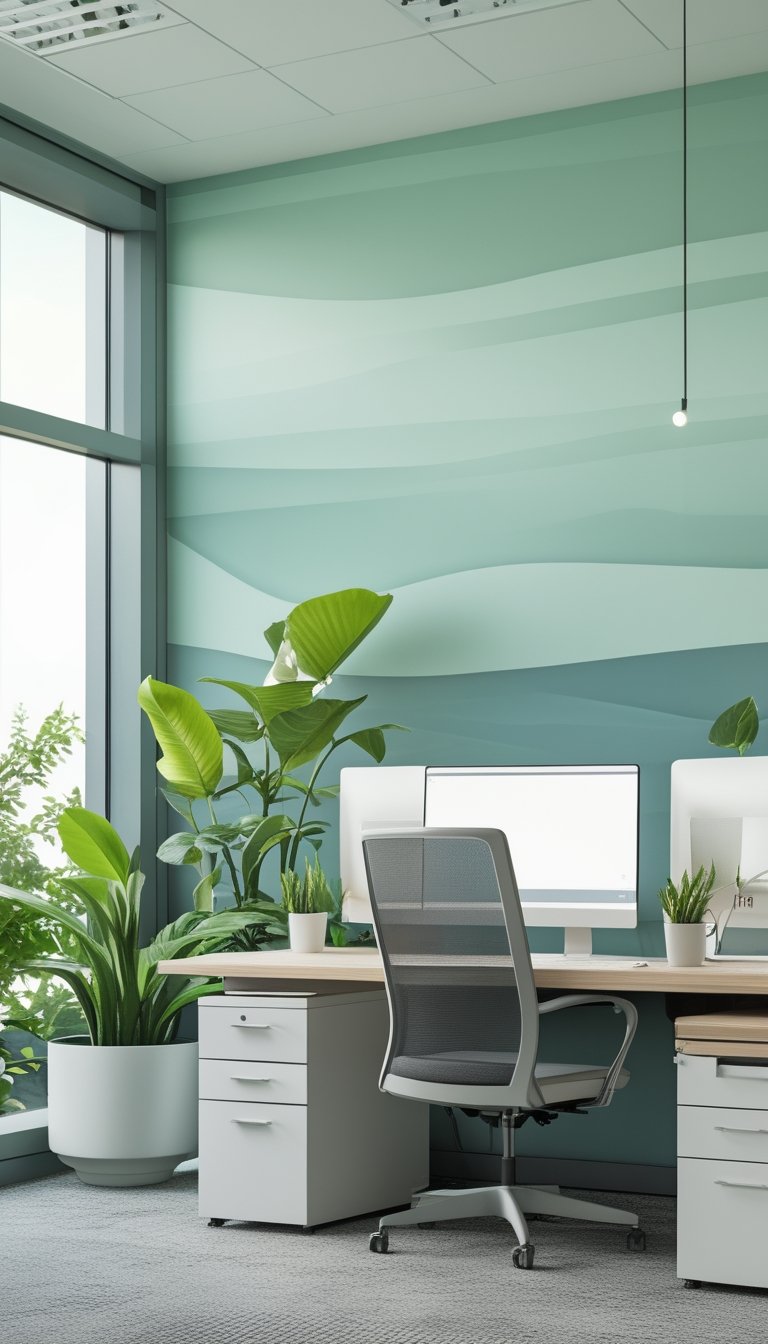
Pale mint gradient wallpaper gives your office a soft, calming backdrop that eases eye strain. The gentle shift from very light mint to slightly deeper mint reduces contrast and makes screens feel less harsh.
You can use a subtle gradient behind your desk or on a single accent wall. This helps your eyes move smoothly between bright screens and the room without sudden changes.
Pick a gradient with low saturation and avoid neon tones. Pair it with warm white lighting and matte finishes to cut glare and reflections.
PRO TIP
Choose a pale mint gradient with a smooth, low-contrast transition to keep your eyes relaxed during long work sessions. Test the color at different times of day and under your task lighting to ensure it stays soothing under both natural and artificial light. If you work with multiple monitors, paint the wall behind them the same pale mint to reduce contrast between the bright screens and the background. For printed charts or whiteboards, use frames or borders in muted gray or soft beige so they don’t stand out too sharply. Finally, add some live plants or small framed art in deeper greens to give your eyes a natural focal point without increasing overall brightness.
5) Subtle Fern Micro-Pattern
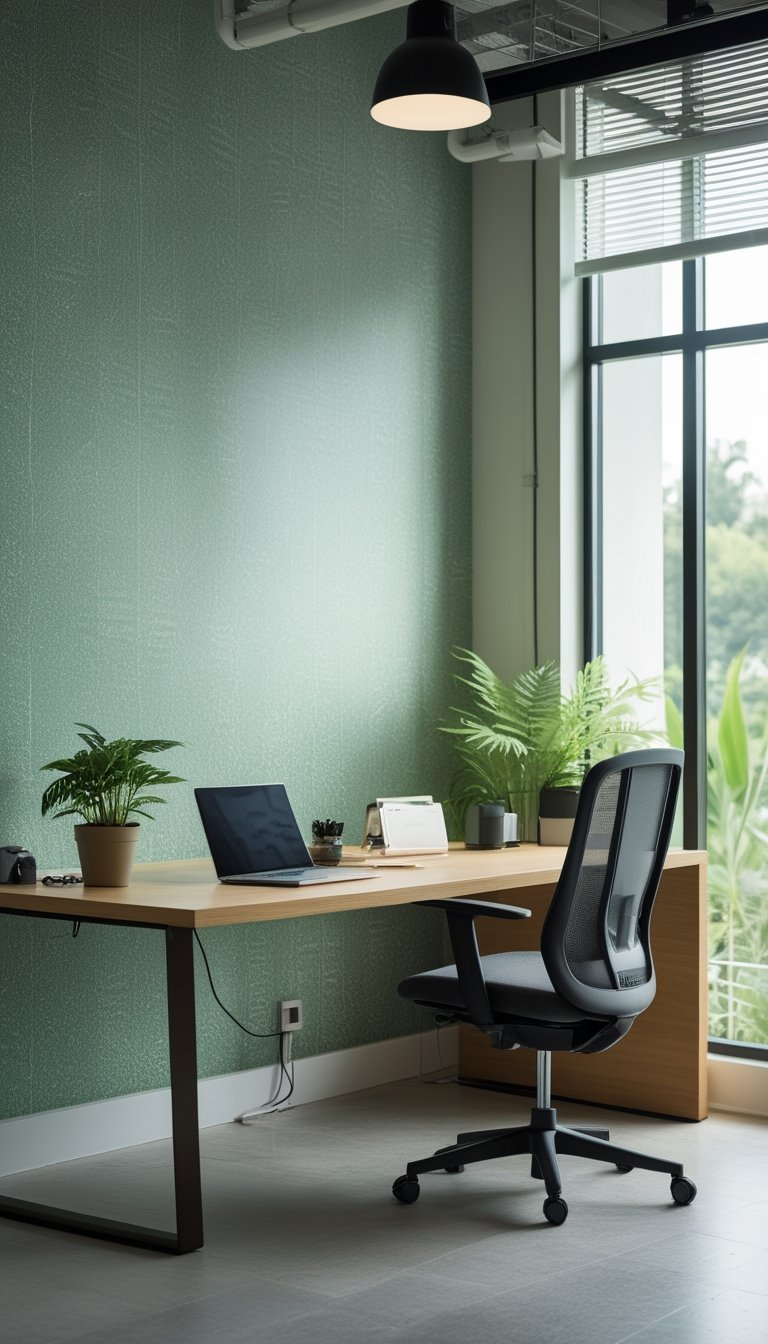
A subtle fern micro-pattern gives your office a natural feel without drawing too much attention. The tiny leaf motifs create texture that helps your eyes relax during long work sessions.
Choose soft, muted greens and low-contrast prints so the pattern blends with the wall rather than standing out. This reduces visual noise and helps maintain focus on your screen and tasks.
Micro-patterns work well on a single accent wall behind your desk or on all four walls if your room gets plenty of natural light. Pair the wallpaper with wood or neutral furniture to keep the space calm and balanced.
PRO TIP
When you pick a subtle fern micro-pattern, pay attention to scale and color temperature. Go for small-scale repeats so the pattern reads as a gentle texture from a typical sitting distance. Cool greens reduce glare and feel more restful, while slightly warmer greens add a touch of energy without becoming distracting. Test samples on different walls at different times of day to see how light changes the look. If glare is a concern, choose a matte finish to cut reflections. Finally, match paint on trim and ceiling to the wallpaper’s undertone for a cohesive, low-contrast space that keeps your eyes comfortable.
6) Matte Seafoam Paint-and-Texture Combo
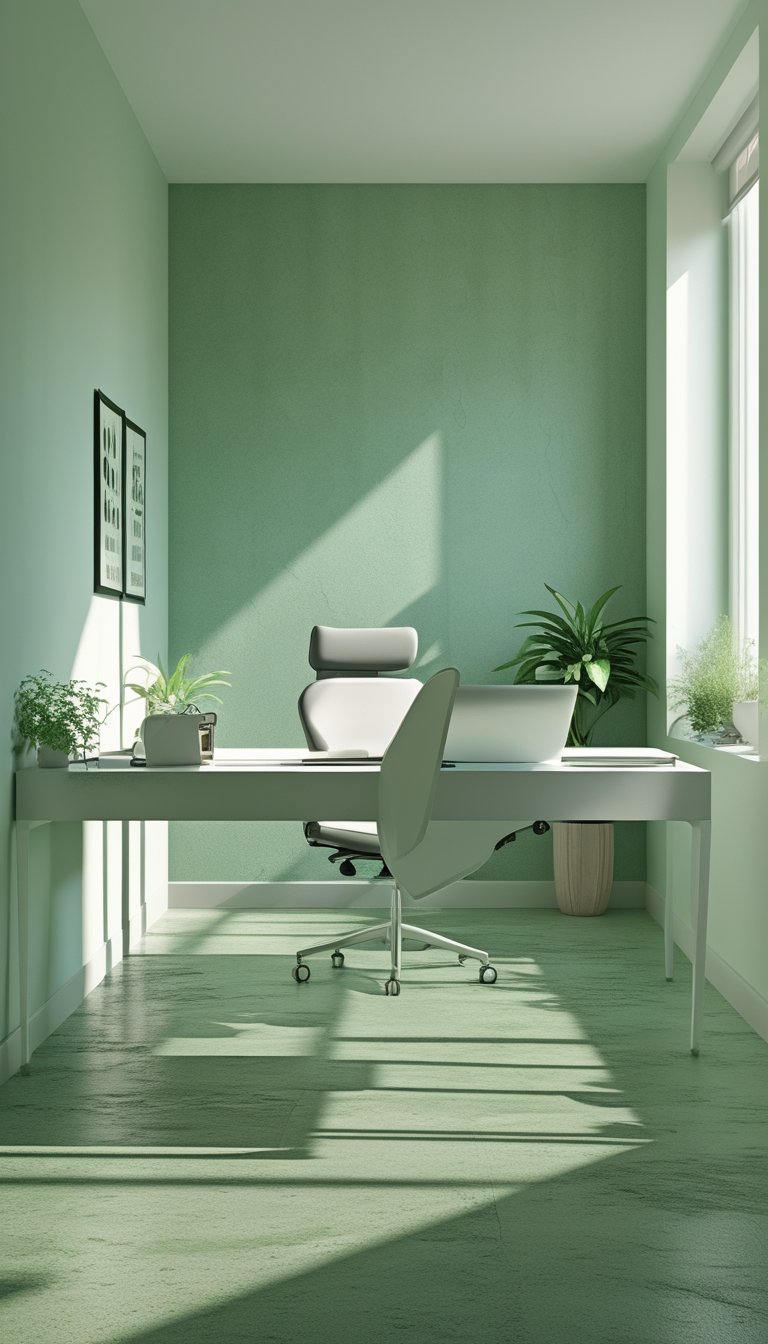
Matte seafoam creates a soft, low-glare backdrop that helps reduce eye strain during long work hours. The color blends cool blue and green tones to feel calm without being dull.
Add subtle texture with a light sand or suede finish to break up flatness and hide minor scuffs. The texture diffuses light gently, so you avoid sudden reflections from windows or monitors.
Keep texture low-profile near screens to prevent visual distraction. Use more pronounced texture on accent walls or behind shelving where your eyes don’t focus for long periods.
PRO TIP
When you paint, choose a true matte finish to minimize shine and keep reflections low. Test paint samples on the wall at different times of day to see how natural light changes the seafoam tone. Pair the paint with soft white trim rather than bright white to keep contrast gentle and reduce visual fatigue. If you want depth, add a very subtle rolled or brushed texture using a specialty roller; practice on a board first to match pressure and pattern. For high-use areas, pick a washable matte or an eggshell with low sheen to balance durability and low glare. Finally, coordinate textiles and plants in similar cool greens to maintain a cohesive, restful workspace.
7) Eucalyptus Watercolor Mural
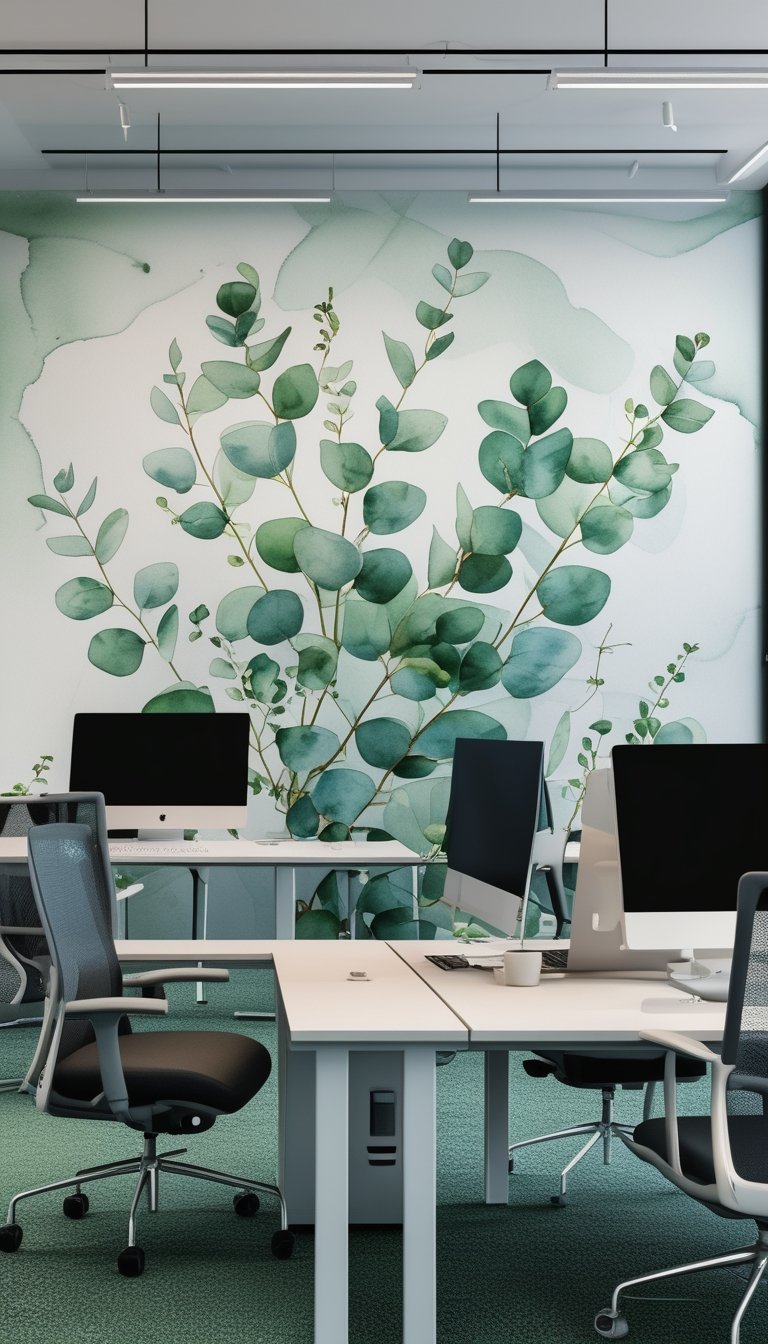
A eucalyptus watercolor mural uses soft greens and pale whites to create a calm work backdrop. You will find the leaf shapes gentle on the eyes, which helps cut glare from bright screens.
This mural style blends hand-painted textures with subtle color shifts. Those textures reduce visual strain by giving your eyes small, restful details to focus on between tasks.
Choose a mural printed on breathable, non-woven material if you want easy hanging and less glare. Stick to muted greens and avoid high-contrast accents to keep your screen time comfortable.
PRO TIP
When you pick a eucalyptus watercolor mural, place it on a wall that sits near but not behind your main monitor. That position gives your eyes a nearby soft focal point during breaks without reflecting screen light. Match the mural’s green tones to the room’s lighting: cooler daylight bulbs pair well with blue-greens, while warm LEDs suit yellow-tinged greens. If you work long hours, add a small potted eucalyptus or similar plant to echo the mural and create depth. This pairing trains your eyes to shift focus between near screens and mid-distance detail, which reduces fatigue. Finally, test a single mural panel first to confirm color and glare before covering the whole wall.
8) Sage Linen-Texture Wallpaper
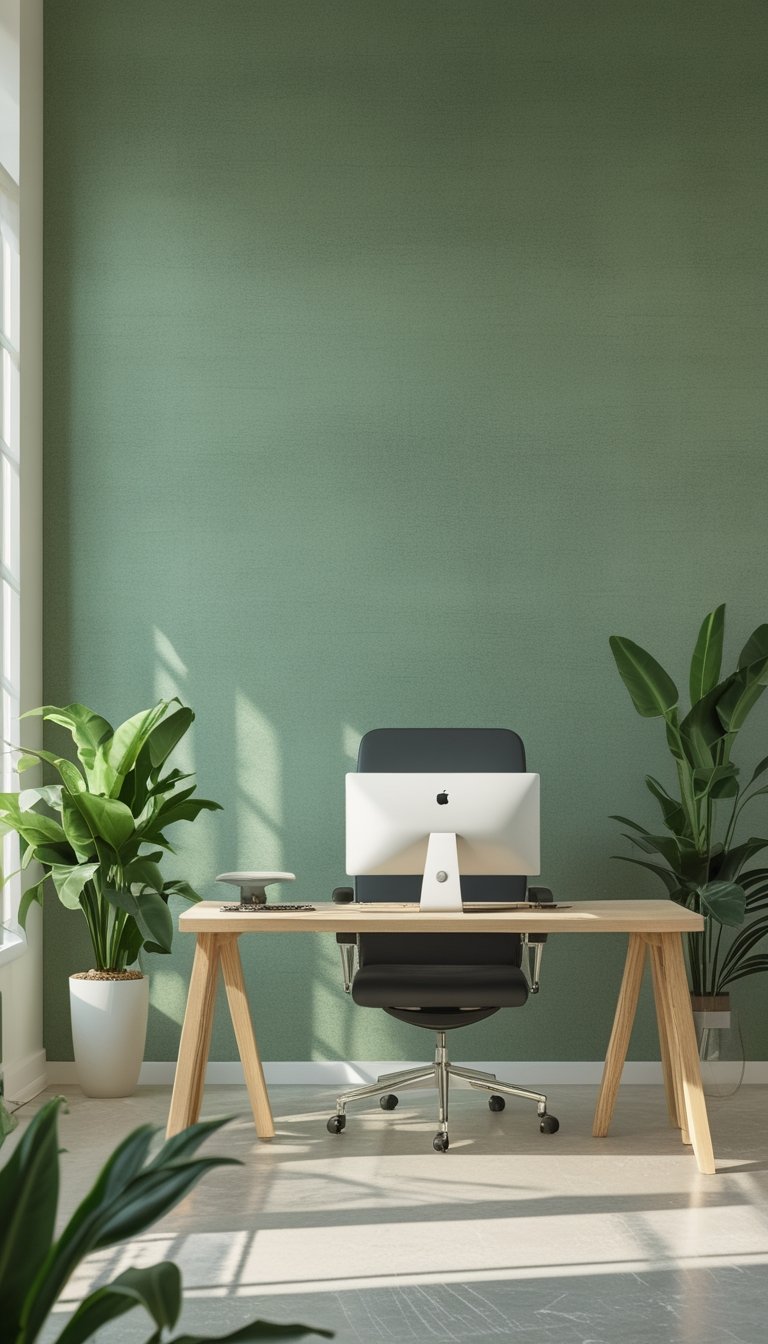
Sage linen-texture wallpaper gives your office a calm, natural feel without being loud. The soft green tone helps reduce eye strain by easing contrast between screens and walls. The linen texture adds subtle depth so walls feel warm, not flat.
You can pick removable peel-and-stick or traditional paste options depending on how permanent you want the look. Textured papers hide minor scuffs and fingerprints, so your space stays tidy longer. Light reflection is gentle on matte or semi-matte finishes, which helps when you work under bright lights.
PRO TIP
Choose a sage shade that sits between muted green and warm gray to keep it easy on the eyes during long work hours. If your monitor sits against the wall, aim for a lower-contrast tone than your screen background. Test a 2–3 foot sample patch by your desk at different times of day. That shows how natural and artificial light change the color and texture. Pair the wallpaper with soft white or warm LED bulbs around 3000K to 3500K to keep eye strain low. Add a few plants or wood accents to tie the natural look together and support visual comfort.
9) Low-Contrast Jungle Silhouette

A low-contrast jungle silhouette gives your office a calm, natural feel without harsh visual noise. You see shapes and texture, but soft edges and muted greens keep your eyes relaxed during long work sessions.
Pick designs with gentle value differences between leaves and background. This prevents sharp edges from catching your attention and reduces eye fatigue. Matte finishes or low-sheen paints also cut glare and help the pattern blend into the room.
Place the wallpaper on a single accent wall to avoid visual clutter. Pair it with simple furniture and warm lighting so the scene feels restful and not overwhelming.
PRO TIP
When choosing a low-contrast jungle silhouette, test a large sample on the actual wall and view it at different times of day. Light changes can make a subtle pattern look stronger or flatter, so sample testing helps you avoid surprises. Use soft, warm LED bulbs and position task lighting to reduce reflections that can increase contrast. Keep nearby surfaces neutral and low-sheen to maintain the calming effect. If you work on screens, match wallpaper tones to your monitor’s brightness to prevent your eyes from constantly adjusting between the wall and screen.
10) Moss Green Chalkboard Accent
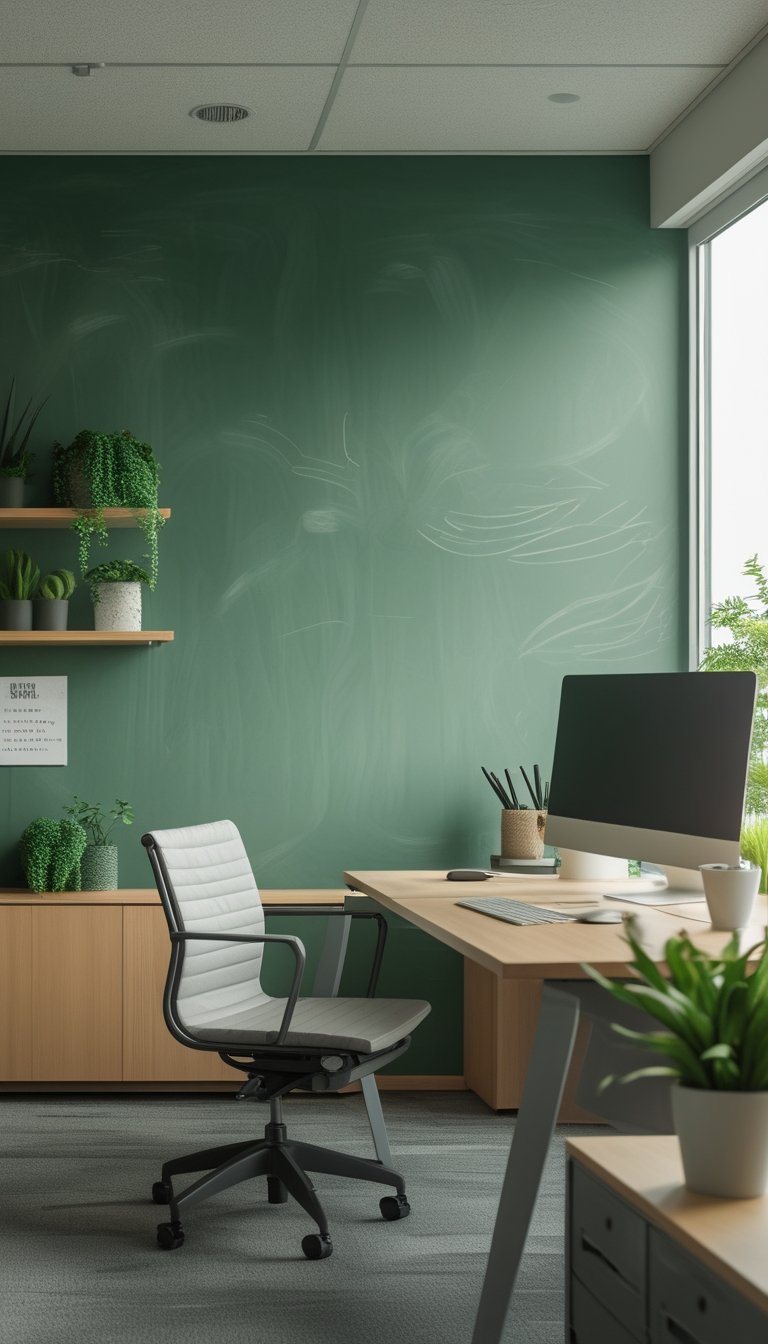
A moss green chalkboard wall combines utility with a calming color that eases eye strain. You can use it for notes, sketches, or brainstorming while the muted green soothes your vision better than stark black or white.
This finish works well behind a desk or in a meeting corner. Position it where natural light reaches it gently, not where glare will bounce off the surface.
Choose a matte chalkboard paint in a soft moss tone to cut reflections. Pair it with neutral furniture and warm wood to keep the room balanced and comfortable.
PRO TIP
You can reduce eye strain by keeping high-contrast items off the chalkboard when you work. Use softer chalk colors like pale yellow, light gray, or dusty peach instead of bright white. These shades still read well but put less stress on your eyes during long sessions. Keep writing tools handy in a small tray or magnetic holder to avoid leaning or squinting. Clean the board regularly with a damp microfiber cloth to prevent ghosting, which can make letters harder to read and force you to focus more. If you use the wall for long notes, break text into short lines and use clear, simple handwriting so your eyes move smoothly across the board.
11) Green-Gray Geometric Tiles Pattern
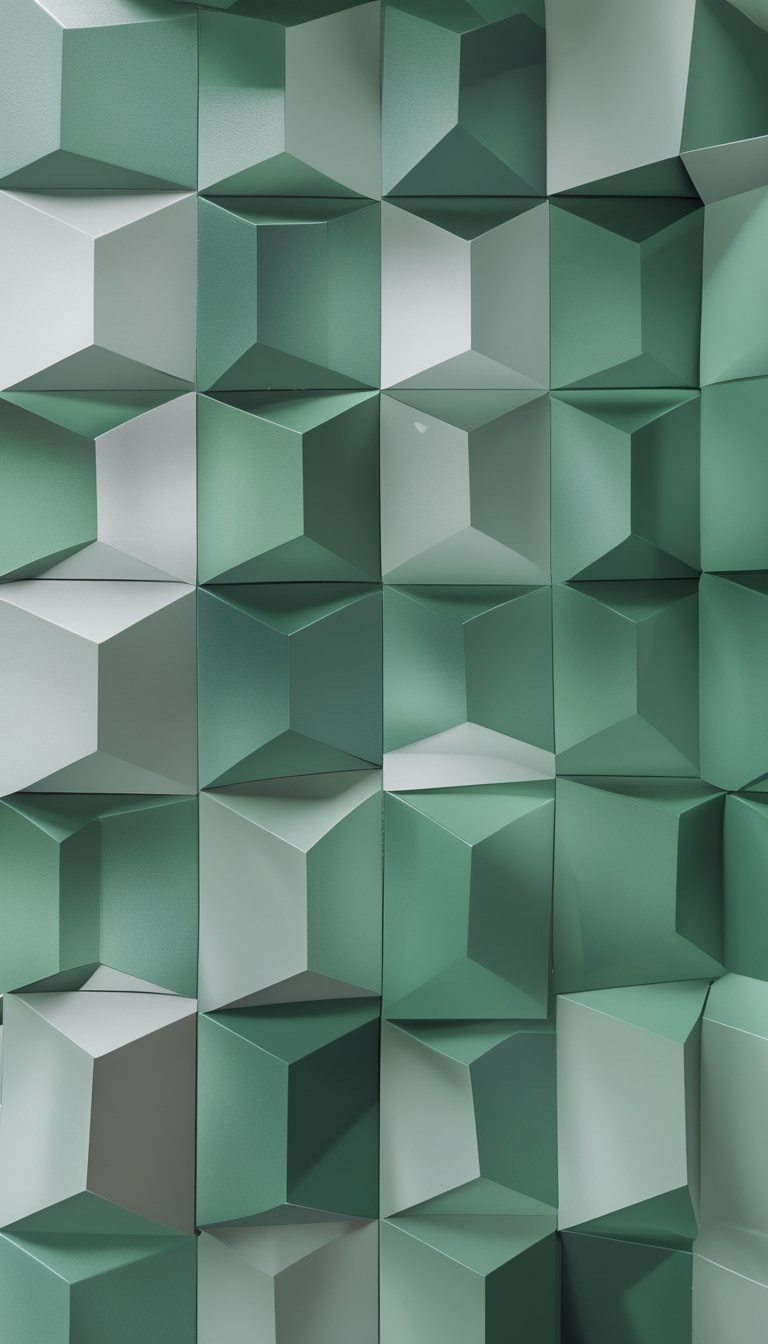
A green-gray geometric tiles pattern adds structure without overwhelming your eyes. The muted green tones combined with soft gray create a calm backdrop that reduces glare and visual fatigue.
You can choose peel-and-stick tiles for easy changes or traditional wallpaper for a smoother look. Geometric shapes like hexagons or chevrons guide your gaze with predictable lines, which helps your eyes settle rather than jump around the room.
Place this pattern on an accent wall behind your desk to limit strong contrasts in your view. Keep nearby surfaces matte to avoid reflections, and pair the wall with neutral furniture to maintain a balanced visual field.
PRO TIP
When installing a green-gray geometric tiles pattern, test a small sample on the wall first to see how the colors interact with your room light at different times of day. Natural light can warm or cool the green, and artificial light will change how the gray reads, so review the sample in morning and evening. Use low-blue LED bulbs or warm white lights to soften contrast and reduce eye strain. If the pattern feels too busy, scale up the shapes or increase the gray proportion to calm the design. Finally, add a few plants or wooden elements to introduce organic shapes that break the geometry and give your eyes gentle points of rest.
12) Desaturated Palm Frond Print
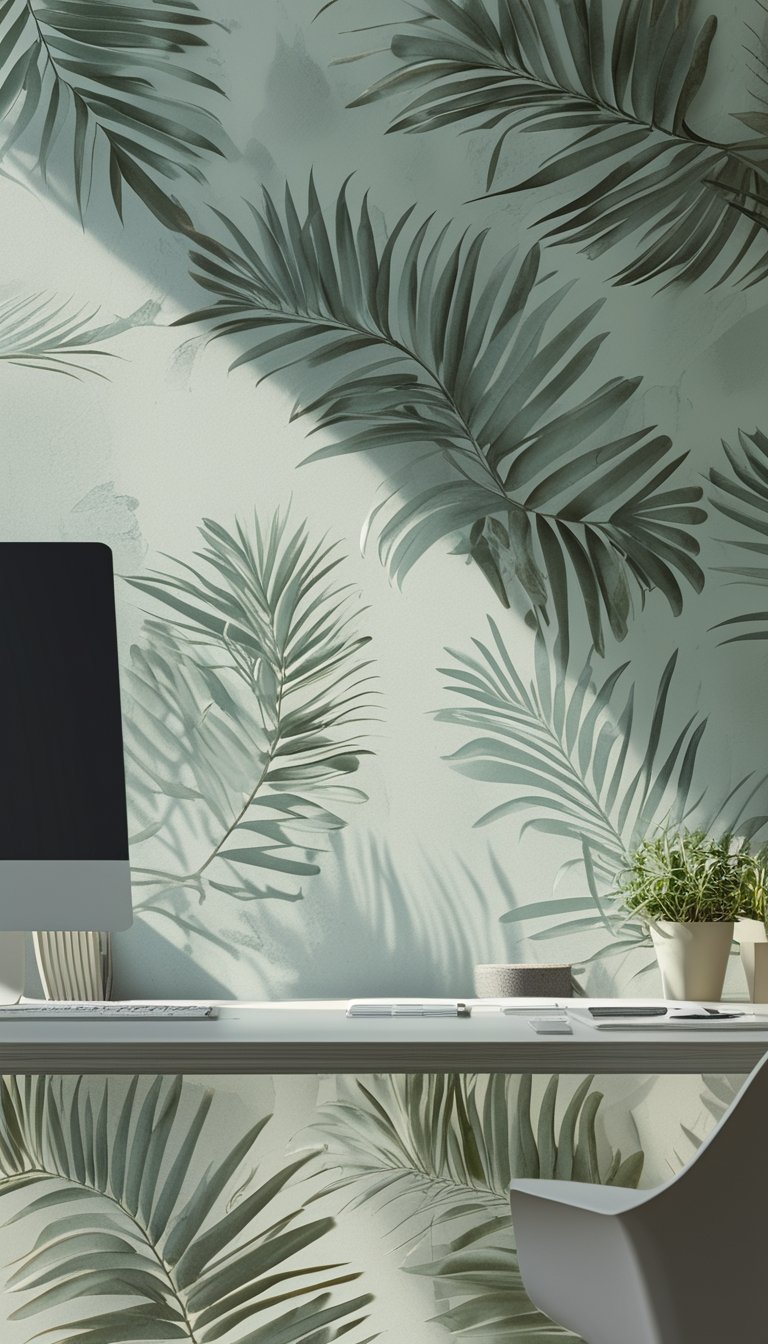
A desaturated palm frond print gives your office a calm, natural feel without strong color contrast. The muted greens reduce glare and help your eyes relax during long work sessions. You get the pattern’s organic shapes without bright hues that can feel tiring.
Choose a matte finish to cut reflections and keep the look soft. Pair the wallpaper with warm wood or neutral furniture to maintain a cozy, low-contrast palette. This helps prevent sudden visual jumps that strain your sight.
If you sit near the wallpaper, keep task lighting separate from wall light to avoid hotspots. A subtle pattern also hides minor marks and stays visually pleasing over time.
PRO TIP
When you pick a desaturated palm frond print, test a large sample on the wall where you work. View it at different times of day and under your usual lighting so you see how natural light and lamps change the tone. If the print still looks too busy, reduce contrast by adding a sheer curtain or choosing softer lampshades. You can also paint adjacent walls in a matching neutral to blend the pattern into the room. This creates a steady visual field that guides the eye gently across the space, helping you focus longer with less fatigue.
13) Vertical Garden Living-Wall Panel
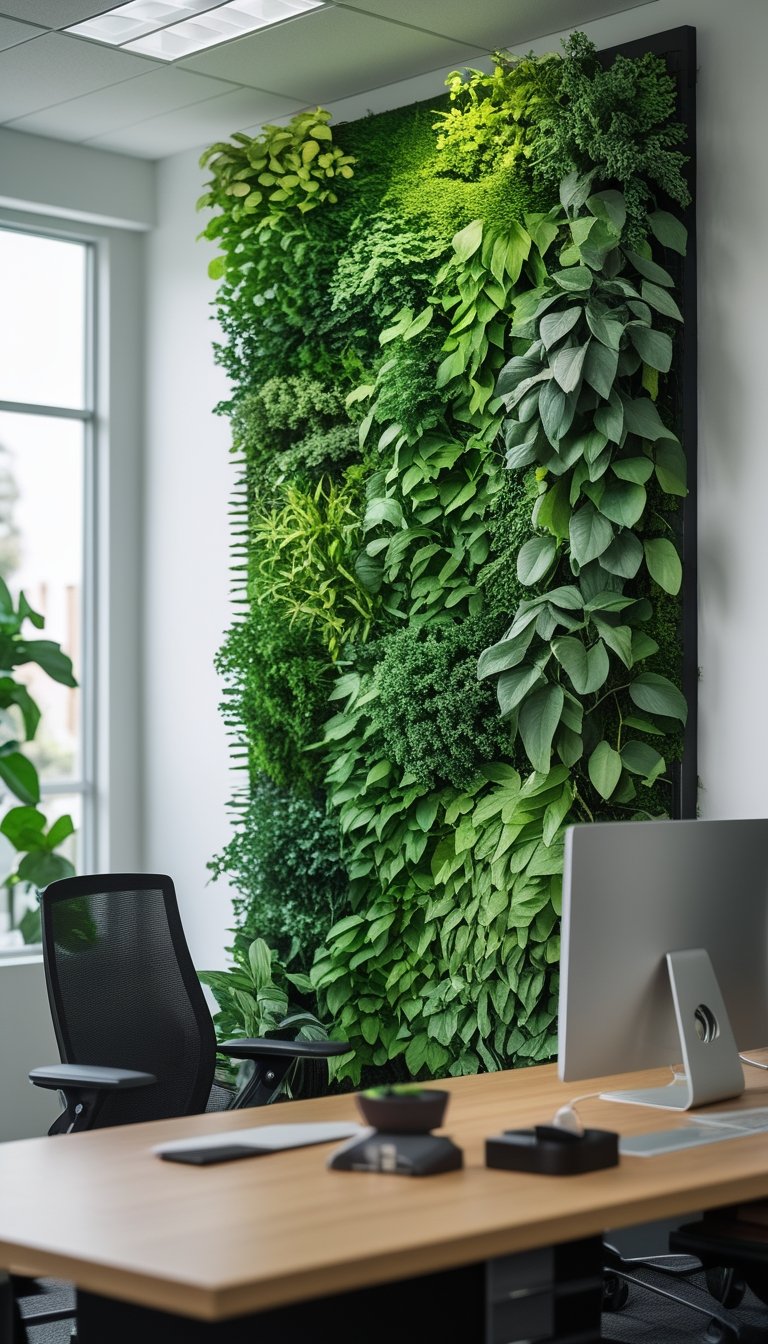
A vertical garden living-wall panel brings real plants to your office without taking up floor space. You get natural green at eye level, which can ease visual fatigue when you look away from screens.
Choose hardy, low-light plants like pothos, ferns, or snake plant if your office light is limited. Panels come in modular systems that let you swap plants easily and keep growth tidy.
Install near a break area or where you can rest your gaze during tasks. Regular watering and occasional pruning keep leaves healthy and reduce dust that can worsen eye strain.
PRO TIP
You can create a low-maintenance living wall by using a modular panel system with built-in irrigation. These systems cut down on daily care and help prevent overwatering, which often causes root rot. Select a mix of textures and leaf sizes so your eyes have varied shapes to focus on during short breaks, helping reduce strain. If light is low, add a full-spectrum grow light on a timer to mimic daylight for a few hours each day. Place the panel where you can glance at it every 20 minutes; short visual breaks to a natural scene help reset focus. Finally, schedule simple maintenance—check water every week and trim every month to keep the wall tidy and effective.
14) Soft Pistachio Ombre Wallpaper
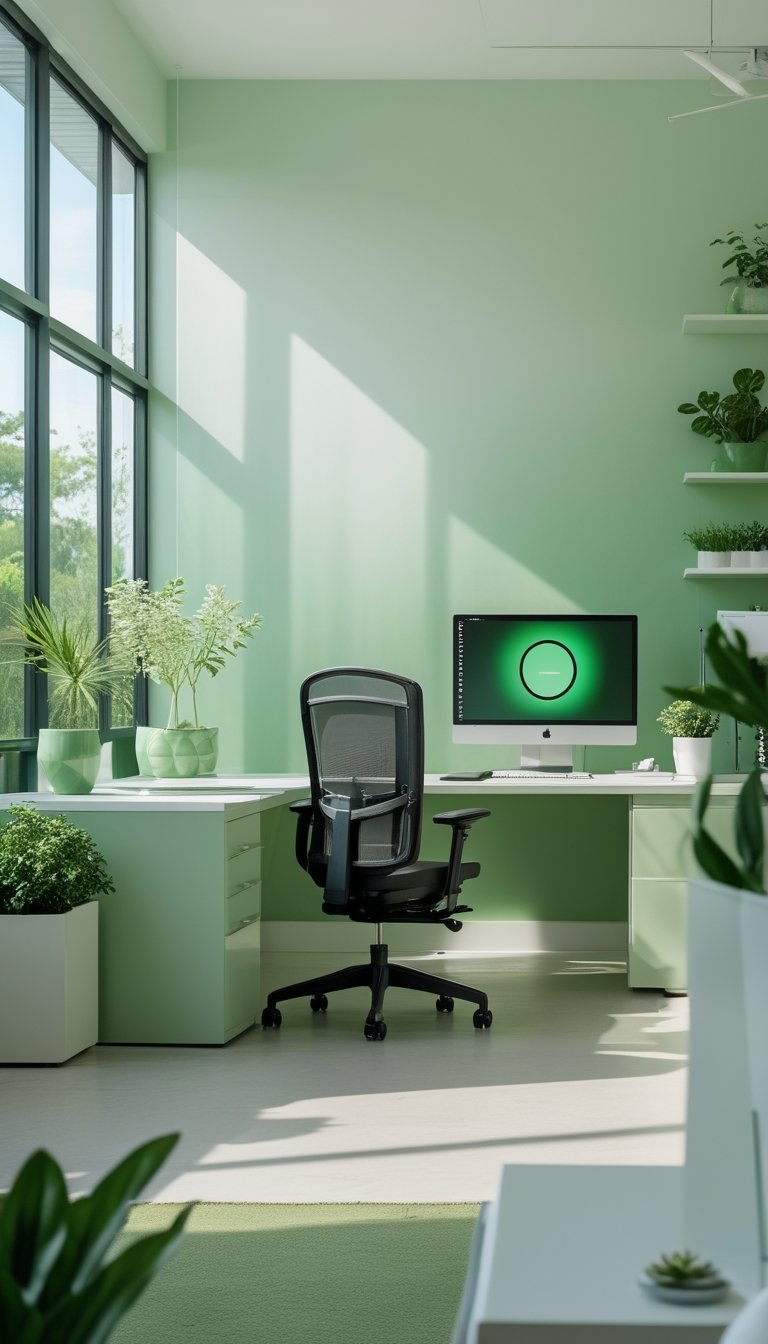
Soft pistachio ombre wallpaper gives your office a gentle color shift that soothes the eyes. The pale green blends into lighter tones across the wall, which lowers contrast and reduces visual strain during long work sessions.
You can use it on a single accent wall or across the whole room. A single wall creates a calm focal point without overwhelming the space, while full-room coverage gives a continuous, restful backdrop.
Choose matte or low-gloss finishes to cut glare from monitors and overhead lights. Pair the wallpaper with neutral furniture and warm task lighting to keep the room balanced and comfortable.
PRO TIP
When you apply pistachio ombre wallpaper, test a small section first so you can see it under your office light. Lighting changes color perception, and you want the green to feel soft rather than bright. If you use multiple light sources, set them to warm or neutral color temperatures to avoid making the green look harsh. Match your monitor and task lamp settings to the room lighting to keep contrast low. Add a few plants and soft textiles to reinforce the calming vibe and reduce sharp reflections. If possible, choose peel-and-stick samples so you can reposition or remove them without damaging the wall.
15) Muted Pine Striped Accent Wall
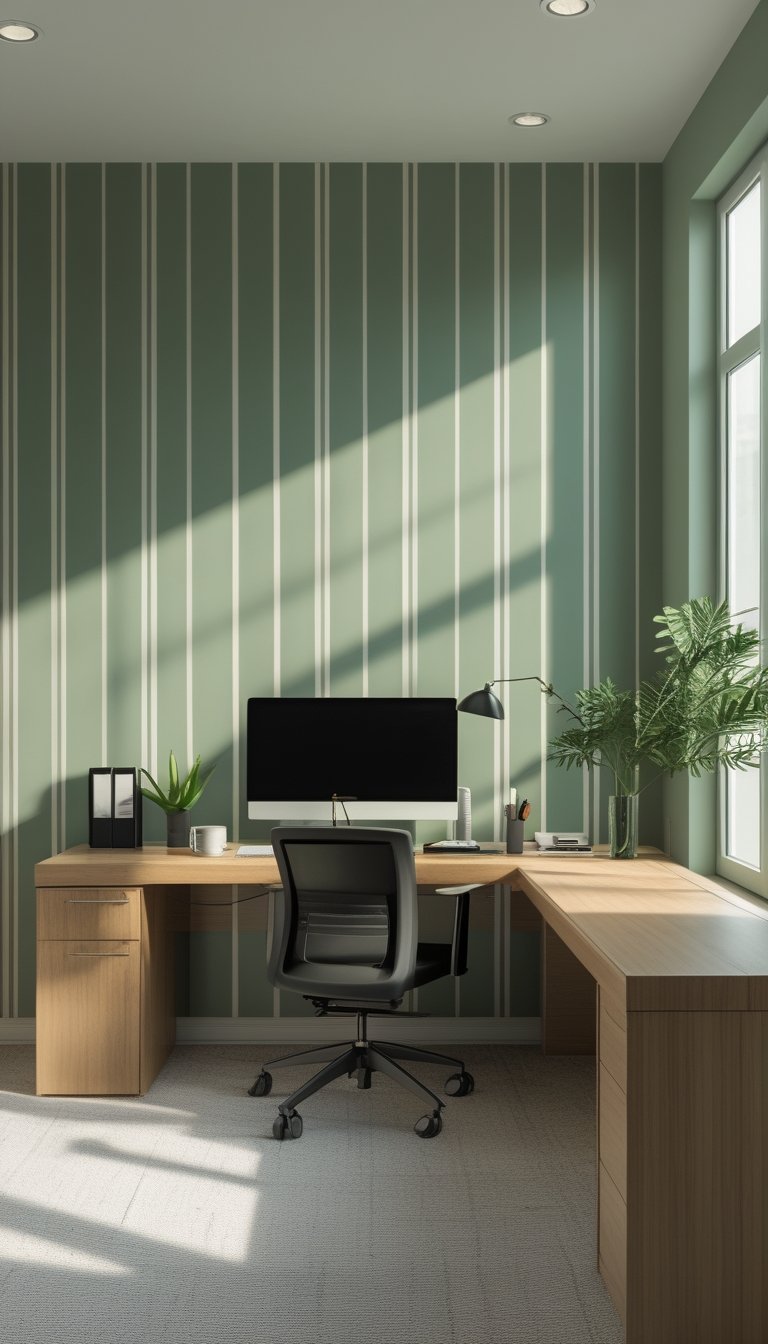
A muted pine striped wall brings calm without shouting for attention. Use soft, narrow stripes in green-gray pine tones to add depth while keeping your focus on work.
Stripes guide your eye horizontally or vertically, so pick the direction that fits your room. Vertical stripes make ceilings feel taller; horizontal stripes widen a narrow space.
Choose matte or eggshell finish to cut glare and reduce eye strain. Pair the wall with neutral furniture and warm task lighting to keep contrast gentle and natural.
PRO TIP
When painting stripes, measure and mark carefully with painter’s tape to keep lines crisp. Test paint swatches on the wall at different times of day to see how natural and artificial light change the pine tones. If you use wallpaper, order extra rolls and match patterns at the seams for a smooth look. Balance the striped wall with softer textiles like a light rug and linen curtains to prevent visual fatigue. Finally, add a few real plants to echo the green tones and improve air quality, but avoid bright or reflective décor that competes with the muted stripes.
16) Calming Tea-Leaf Botanical Repeat
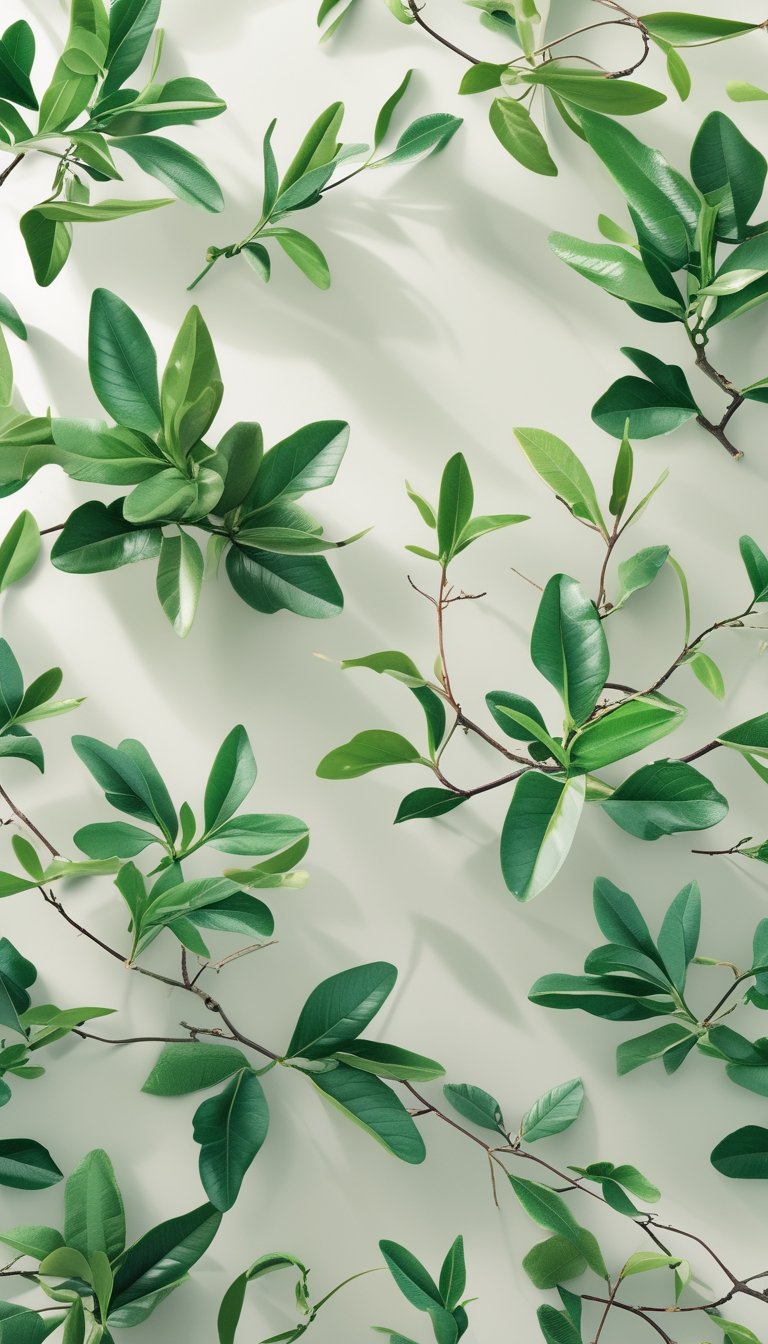
Choose a tea-leaf botanical repeat when you want a soft, rhythmic pattern that soothes your eyes. The small, repeated leaf shapes keep visual interest low, which helps reduce glare and visual fatigue during long work sessions.
Pick muted greens and warm neutrals to keep the palette gentle. A subtle contrast between leaves and background prevents the pattern from appearing flat while still staying easy on your sight.
Install the wallpaper on the wall behind your monitor or on a single accent wall. This creates a calm focal point without overwhelming the room, and it helps your eyes rest when you look up from the screen.
PRO TIP
When you select a tea-leaf repeat, consider peel-and-stick options for easy trial and removal. Test a 2–3 foot sample behind your desk to see how it reads under your office light through the day. Pair the wallpaper with matte finishes on furniture and screens to cut reflections. Add a few real plants that echo the wallpaper’s tones to tie the room together and improve air quality. Finally, adjust your monitor height so your gaze naturally lands on the lower third of the pattern; this reduces neck strain and offers more frequent, gentle visual breaks.
17) Washed Kiwi Distressed Wallpaper
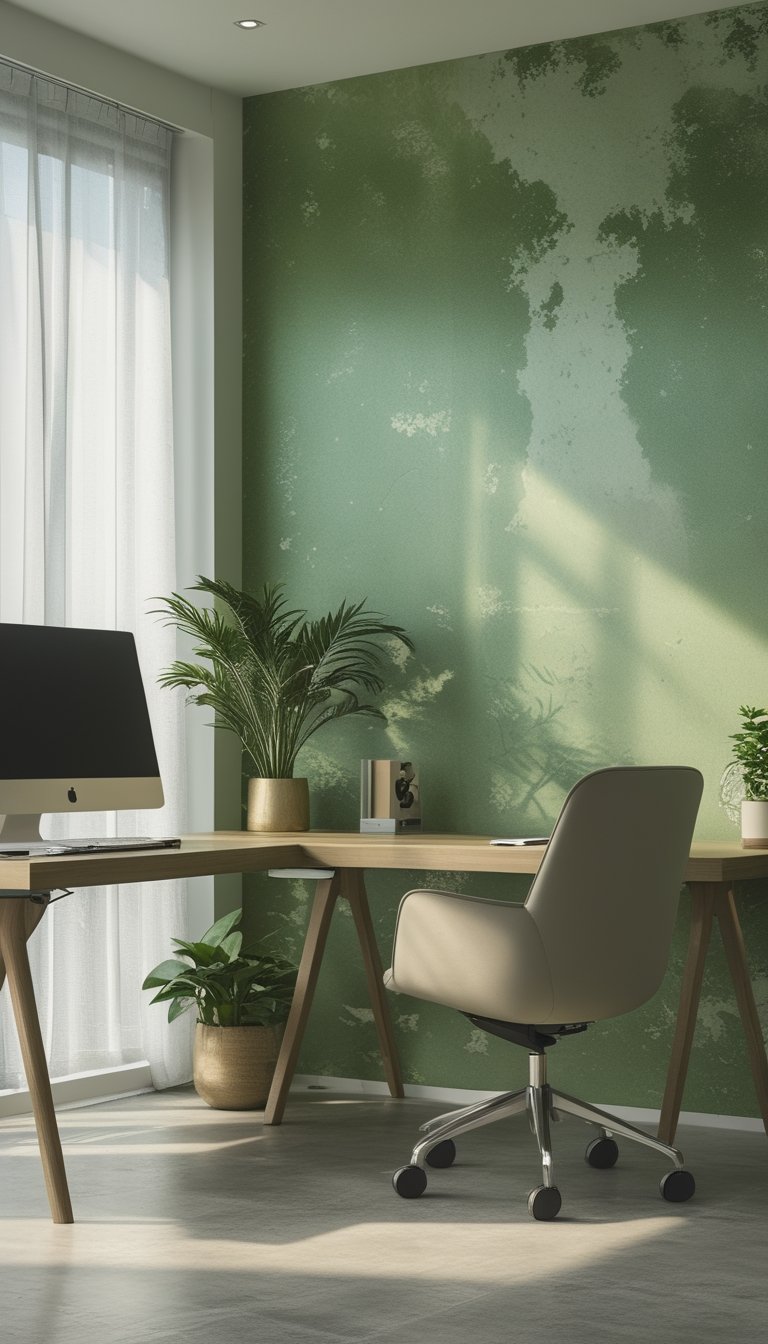
Washed kiwi distressed wallpaper gives your office a soft green backdrop that eases eye strain. The muted kiwi tone reduces harsh contrast while the distressed texture hides minor scuffs and marks. You get a lived-in, calm look without bright or flashy colors that can tire your eyes.
This style plays well with wood furniture and warm metals, which keep the space cozy. Place it on one wall as an accent to avoid overwhelming a small room. Pair it with neutral desks and soft task lighting to balance color and function.
PRO TIP
When you choose washed kiwi distressed wallpaper, test a 2-foot sample on your wall and view it at different times of day. Natural light will change the green hue, and artificial bulbs can shift it warmer or cooler. Use warm white LED lighting around 2700–3000K to keep the color gentle on your eyes. If you work long hours, add an adjustable desk lamp with dimming so you control contrast and glare. Finally, keep surrounding decor simple: pale textiles, matte finishes, and plants can enhance calm without creating visual clutter.
18) Green Marble Effect Mural
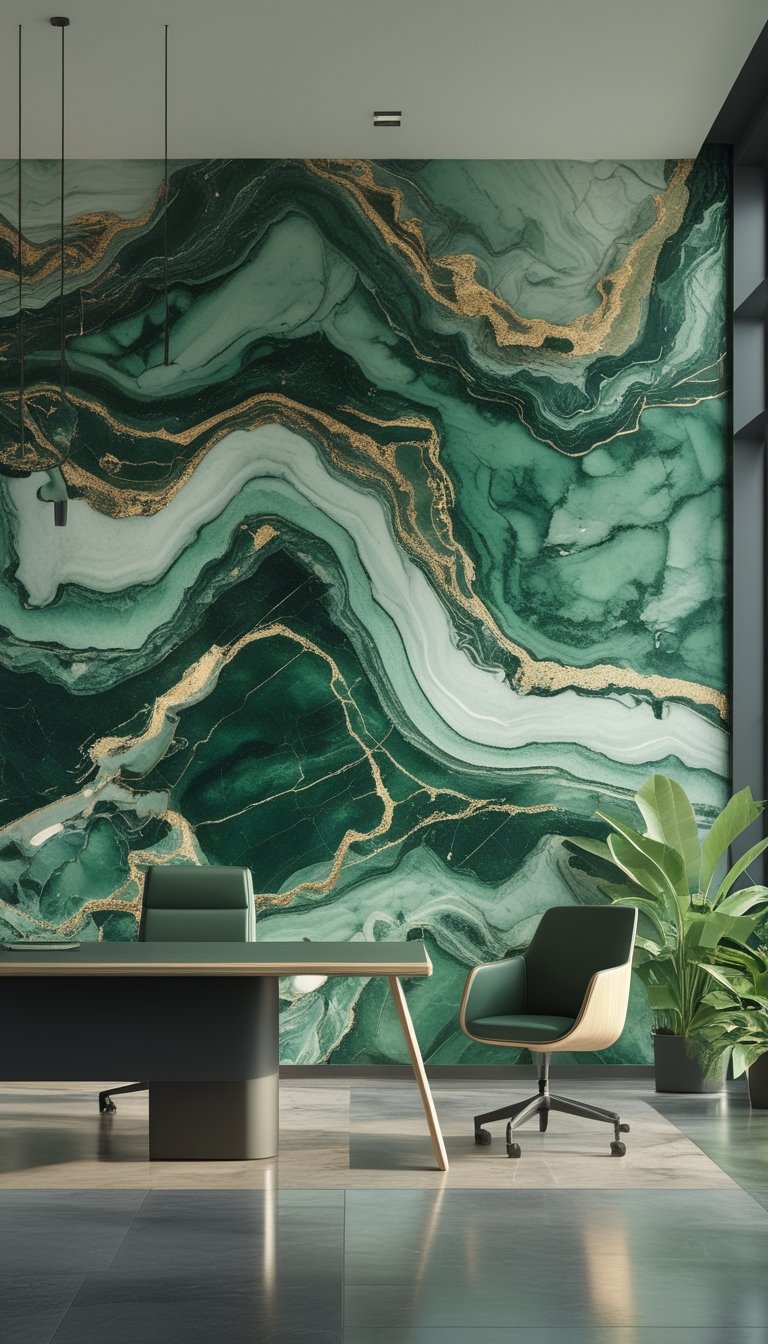
A green marble effect mural gives your office a calm, natural feel without harsh patterns. The soft veining and deep emerald tones mimic stone, which helps your eyes relax during long screen sessions. You can choose a subtle wash of green for a light backdrop or a richer onyx look for a more dramatic wall.
Install the mural on one large wall to create a focal point without overwhelming the room. Peel-and-stick options make it easy to try different looks and remove them later if you change your mind. Pair the mural with warm lighting and neutral furniture to keep contrast low and reduce eye strain.
PRO TIP
When picking a green marble mural, choose tones that sit between muted sage and deep emerald. These shades reduce glare and help your eyes adjust between paper and screen. Measure the wall carefully and order a custom-sized print so the veins line up and avoid visual seams. Use matte-finish material to cut reflections from overhead lights or windows. Place the mural on a wall opposite your main window or monitor to prevent direct light bouncing back at you. Finally, add a few small plants nearby to echo the green tones and support a restful workspace.
19) Minimalist Monstera Line Art
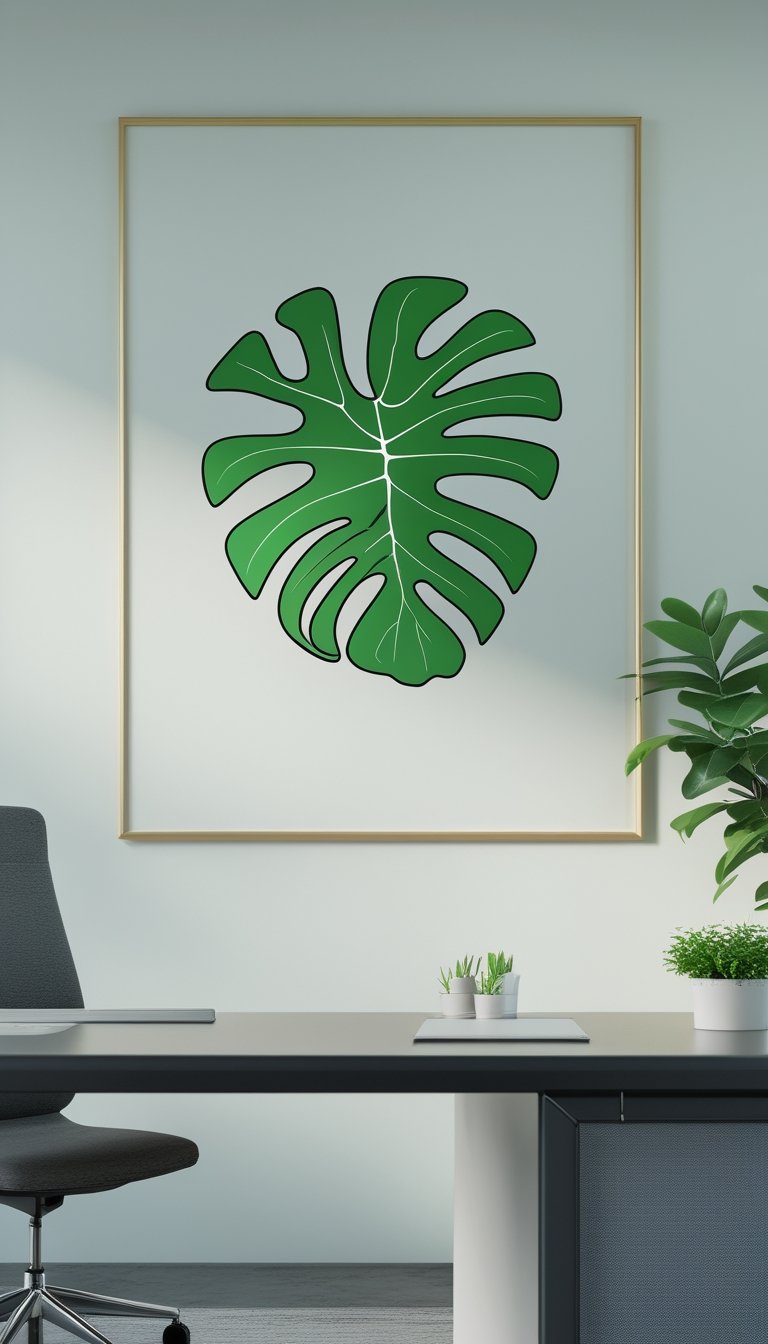
A minimalist monstera line art wallpaper uses simple outlines of the leaf to add calm to your office. You get a clean look that reduces visual clutter and keeps your gaze focused.
Choose soft, muted greens or pale backgrounds to lower contrast and ease eye strain. The thin lines give texture without demanding attention, so your eyes rest more between tasks.
Place the design on one feature wall or behind your monitor to create a gentle focal point. Pair it with neutral furniture and warm lighting for a balanced, low-contrast workspace that still feels fresh.
PRO TIP
When you pick a minimalist monstera line art wallpaper, match the leaf line thickness to your room’s scale. Fine, delicate lines work best in small rooms and near screens because they don’t create harsh edges that tire your eyes. In larger rooms, slightly bolder lines add presence without increasing contrast too much. Stick to soft green tones or off-white backgrounds to reduce glare and keep contrast low. Test a sample print on the wall before committing, and view it under your usual work lighting at different times of day. This helps ensure the wallpaper remains soothing during both bright mornings and dim evenings.
20) Light-Blue-Green Coastal Scene

A light-blue-green coastal scene brings calm without being dull. You can use soft sea tones to keep contrast low and easy on your eyes during long workdays.
Choose patterns with gentle waves, shells, or distant shorelines. These motifs give a sense of depth while staying subtle, so they won’t draw your focus away from tasks.
Opt for matte or low-sheen finishes to reduce glare from windows and screens. If you use peel-and-stick wallpaper, you can test a small panel first to see how the colors interact with your lighting.
Pair the wallpaper with natural wood or white furniture to keep the space airy. Add a few plants to echo the green tones and give your eyes a rest.
PRO TIP
When installing a light-blue-green coastal scene, place the mural on a wall you face less directly while working, like a side wall or behind a reading nook. This lets the design soothe your peripheral vision without becoming a constant focal point. Match nearby textiles—like curtains and chair cushions—to the wallpaper’s softest shade to create a balanced look that reduces visual clutter. Use warm, dimmable task lighting at your desk to avoid cool light reflecting off the wall. Finally, keep decor simple: one or two coastal accessories are enough to reinforce the theme without adding visual noise that can strain your eyes.
21) Soft Green Cork Wall Panels
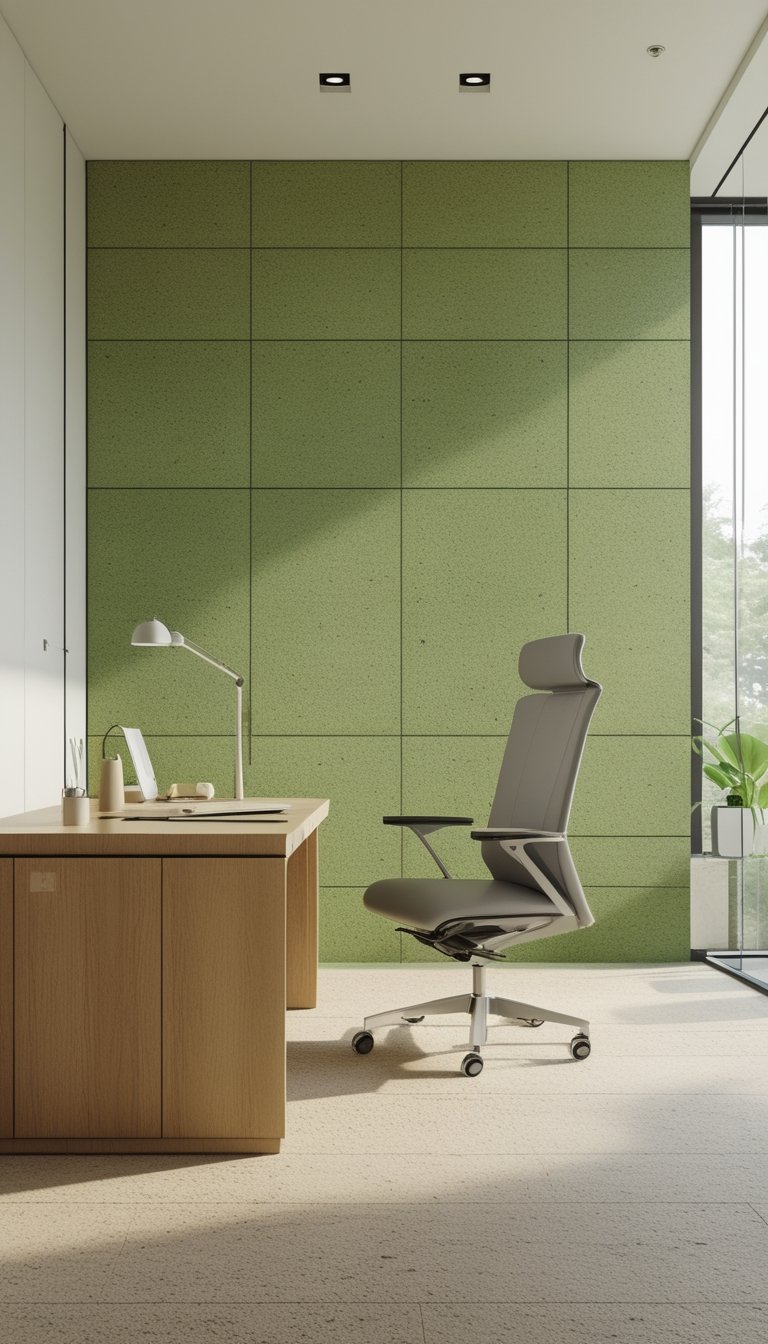
Soft green cork panels add gentle color and natural texture that can ease eye strain. The muted green soothes your vision without being bright or distracting, and cork’s soft surface reduces glare from lights and screens.
Cork also helps absorb sound, which can lower background noise and let you focus better. It’s a lightweight, tactile material that you can cut to fit around desks, windows, or shelves.
You can pair panels with neutral furniture and warm lighting to keep the room calm. They work well as a full accent wall or in a grid layout behind your monitor.
PRO TIP
Choose low-VOC cork panels and water-based adhesives to keep indoor air clean and safe for long work sessions. Mount panels a few inches behind your monitor rather than directly behind bright light sources to reduce reflections. If you need more contrast for video calls, add a slim, darker trim around the panel edges to frame your background without making the wall visually harsh. For easy maintenance, vacuum or wipe cork gently; avoid soaking it to prevent warping. Consider mixing small cork tiles with fabric-covered acoustic tiles to balance visual comfort with extra sound absorption.
22) Pastel Sage Hexagon Pattern
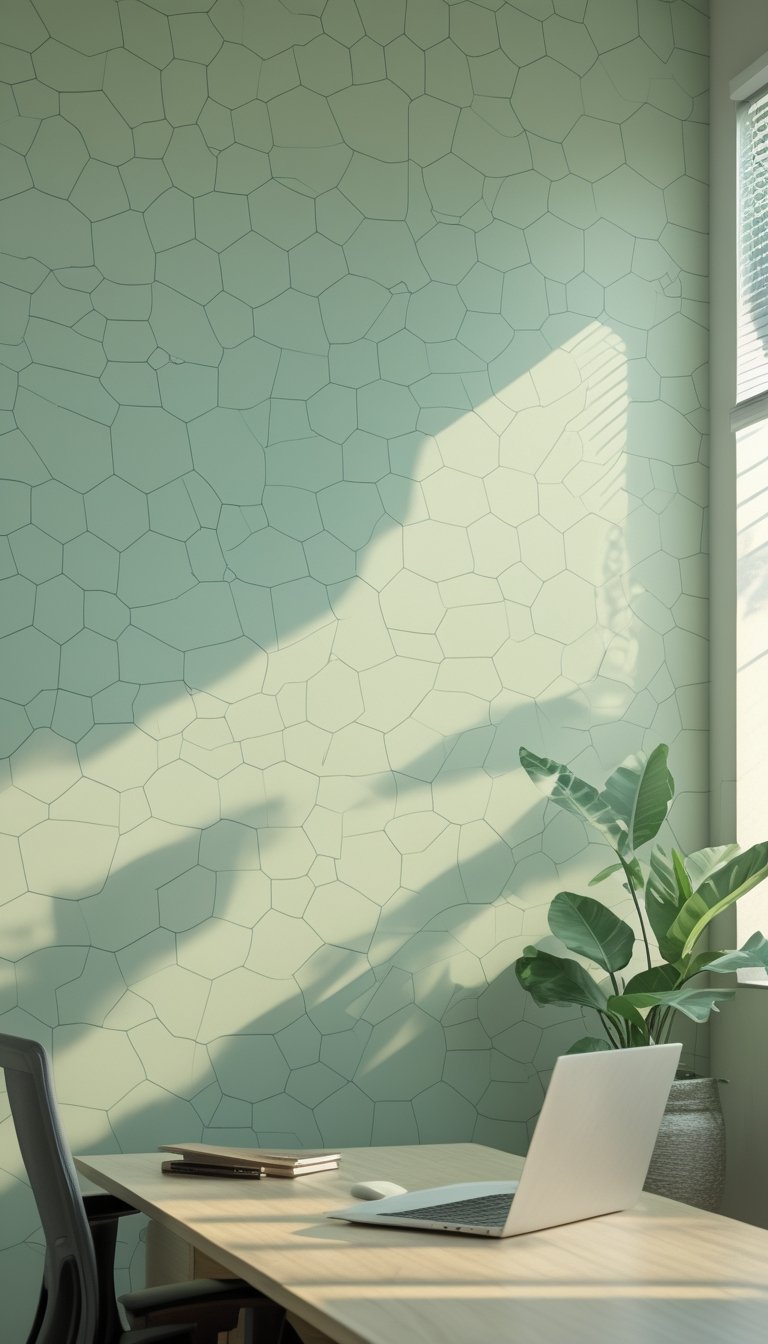
A pastel sage hexagon pattern adds gentle geometry to your workspace without taxing your eyes. The soft green tones keep contrast low, which helps reduce eye strain during long screen sessions.
Hexagons create visual interest while repeating shapes guide the eye smoothly across walls. This steadiness prevents sudden shifts in focus that can cause discomfort.
Use a matte finish to avoid glare and reflections from windows or lamps. Pair the wallpaper with neutral furniture and warm task lighting to keep the room calm and balanced.
PRO TIP
Choose a pastel sage hexagon wallpaper with subtle variation in tone so the pattern reads softly at a distance. If you work near windows, sample a peel-and-stick swatch on the wall to check the color under different light throughout the day. For screens, set your monitor color temperature to a warmer setting in the evening to match the room’s soft greens. Keep a few simple plants nearby; their natural greens blend with the wallpaper and reduce visual clutter. Finally, add a dimmable desk lamp so you can control brightness and cut glare during longer work periods.